
Once replay is launched let it run for a minute, then pause and select “Cinematic mode”
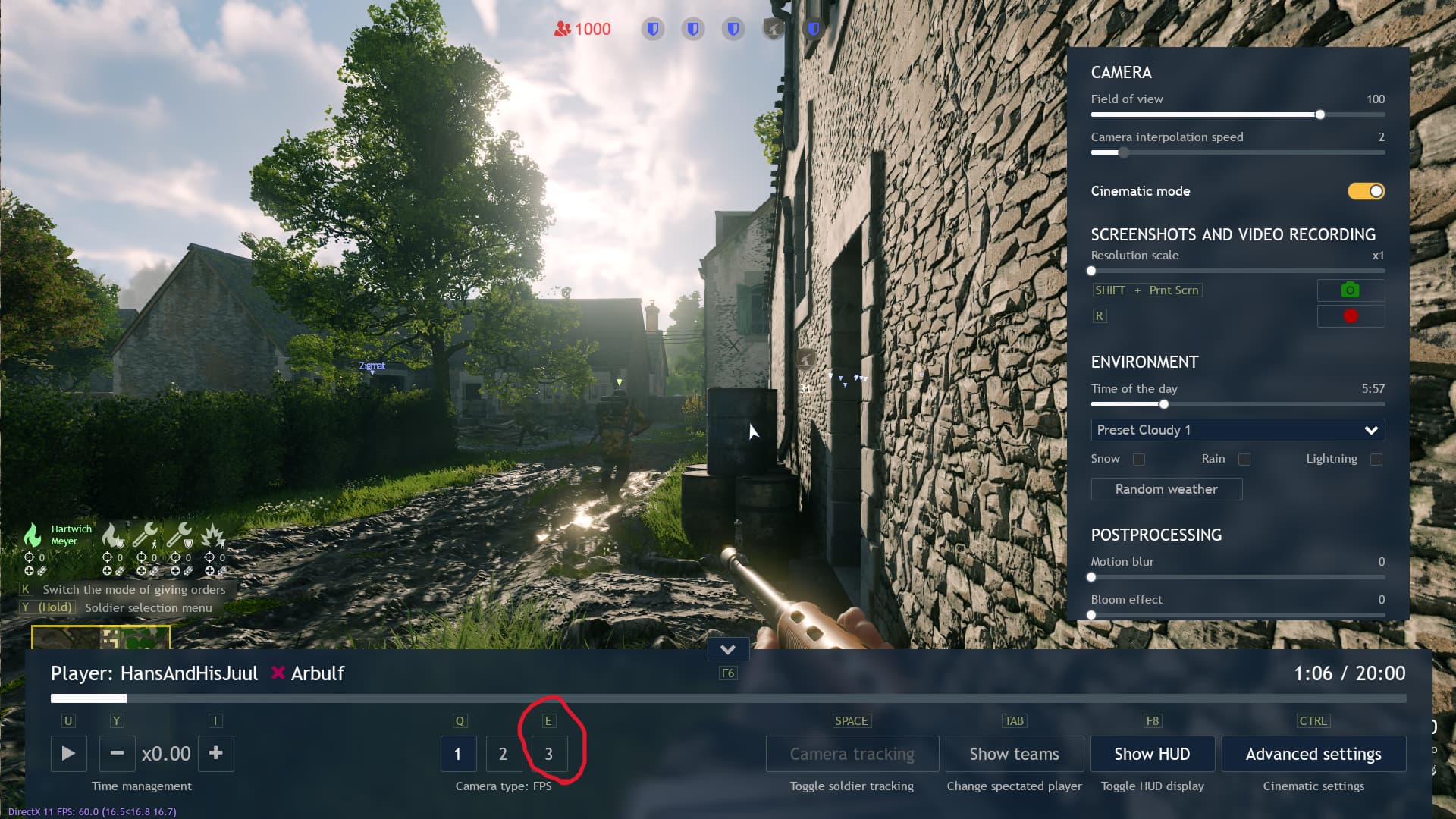
Now select “3” & press space for camera to run freely

Look around the map until you find something interesting
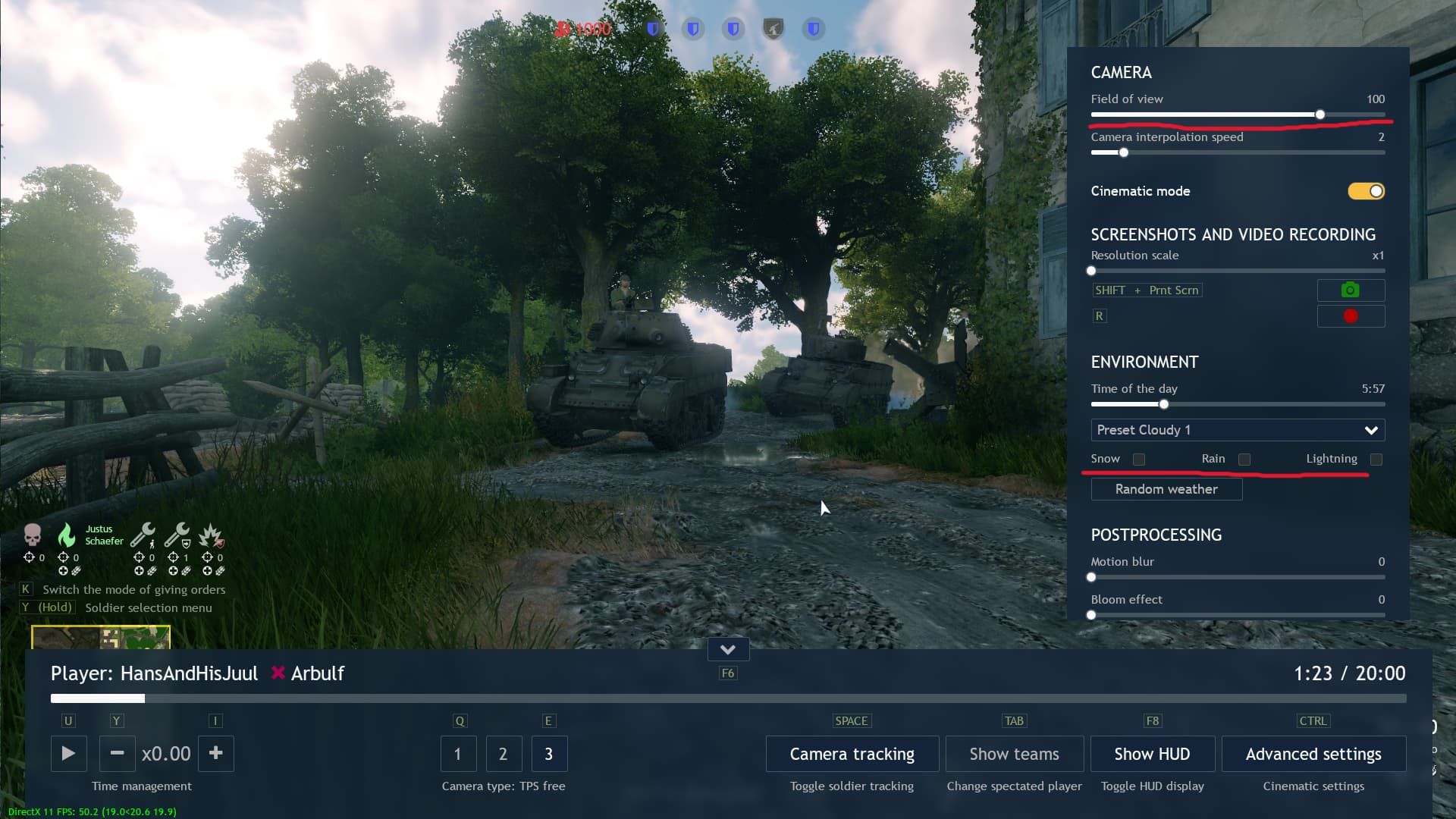
- Find a decent angle
- Set “Field of view” to 30
- Set “Time of the day” to 3:50 and make sure Preset “Cloudy 1” is selected
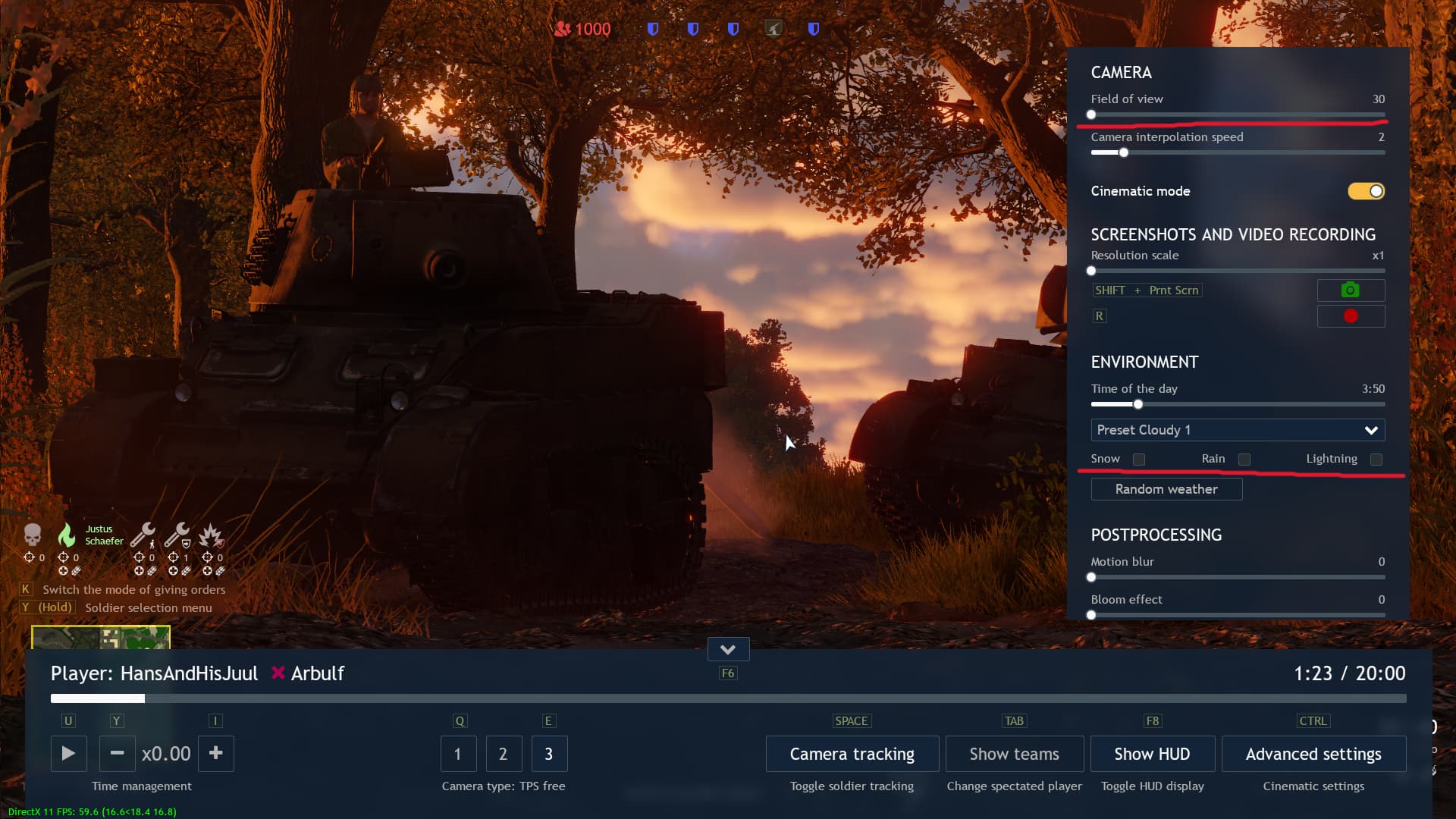
It should look like this
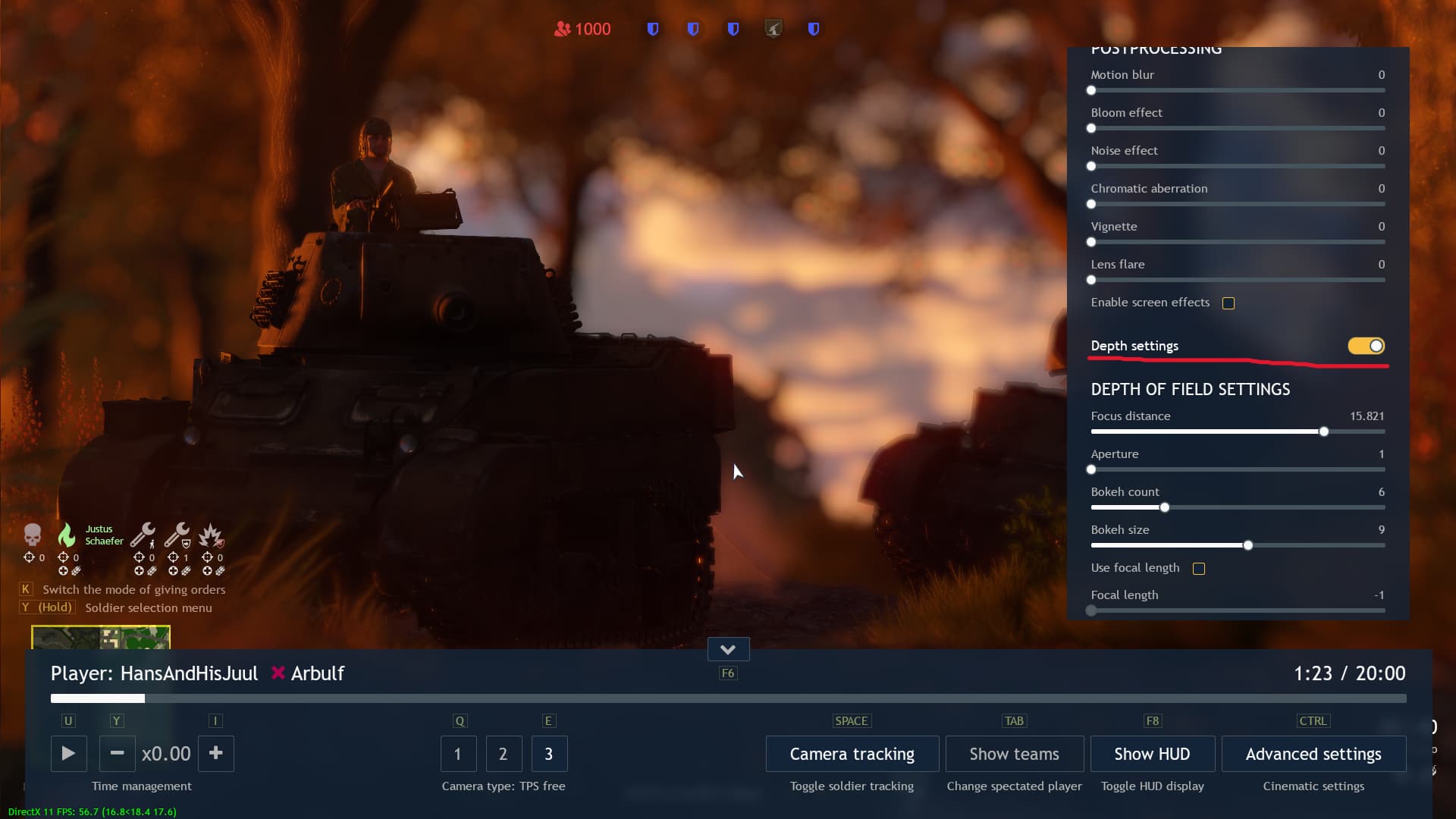
This step is optional, but it’s a nice extra touch:
Select “Depth settings” and mess around with “Focus distance” until you’re satisfied (if it doesn’t work, use “Focal length” at the bottom)
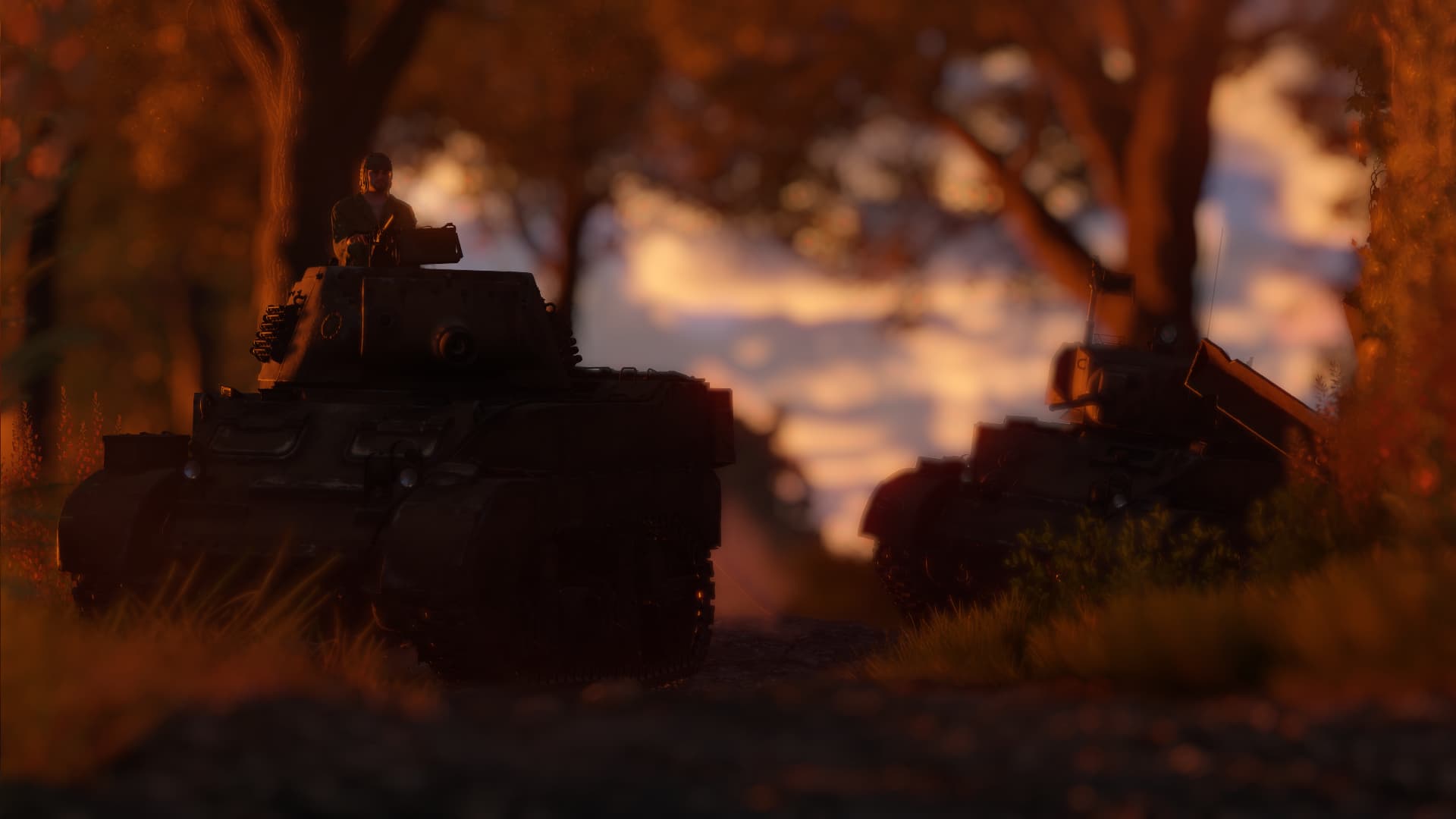
Press F6 to perfect the camera angle and Shift + PrtSc. Enjoy!
Keep in mind this isn’t strictly the only way to do it, just the best one I’ve found so far. So mess around with settings to find what fits your taste the most.