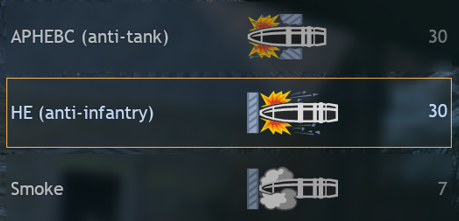
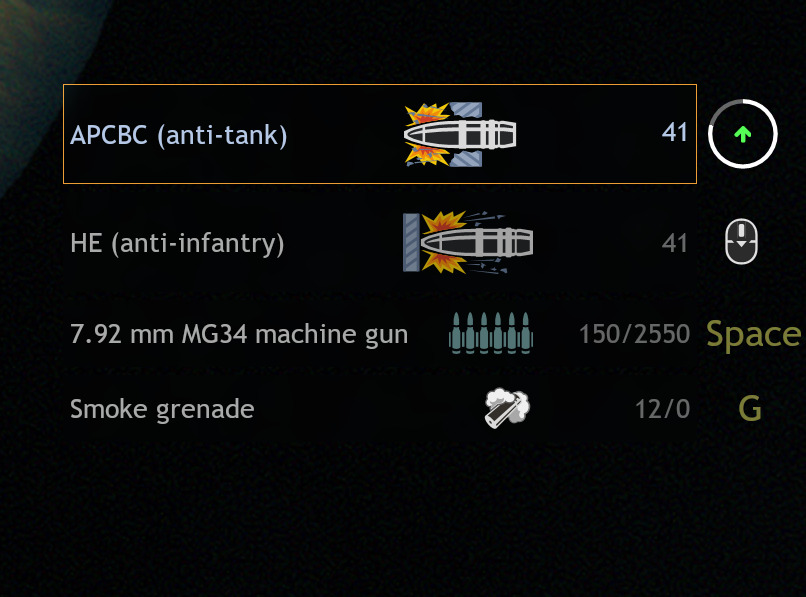
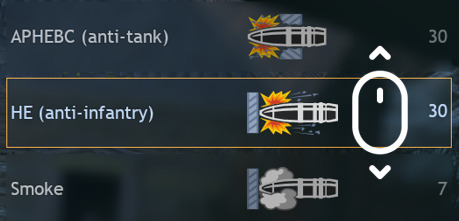
Currently when you have more than 2 shell types and you want to change the shell type, the commander instantly shouts out the name of the next shell type, even if you want to scroll through it to another one.
For example, when you need to quickly change from HE to AP, the commander will yell “Load Smoke!” anyway, even when the actual shell finally selected is AP, which doesn’t make any sense.
Suggestion 1 – Delay the commander yelling by 1-2 seconds, while the player scrolls through to the needed shell type.
Yes
No
0voters
Suggestion 2 – Add an ability to choose shell type without scrolling through all of them (hotkeys for shell type 1/2/3 or mouse wheel up/down for previous/next shell type).
Likely impossible, as you will always have to go through the next shell type to get to the one you want.
The way the code works is probably just “if X shell is selected → play X sound”, and adding a delay shouldn’t change anything (since you still have to cycle through X shell. It would also be quite annoying, as having to wait 2 seconds in the heat of battle just to know that you changed the shell type isn’t exactly fun or realistic.
Spoiler
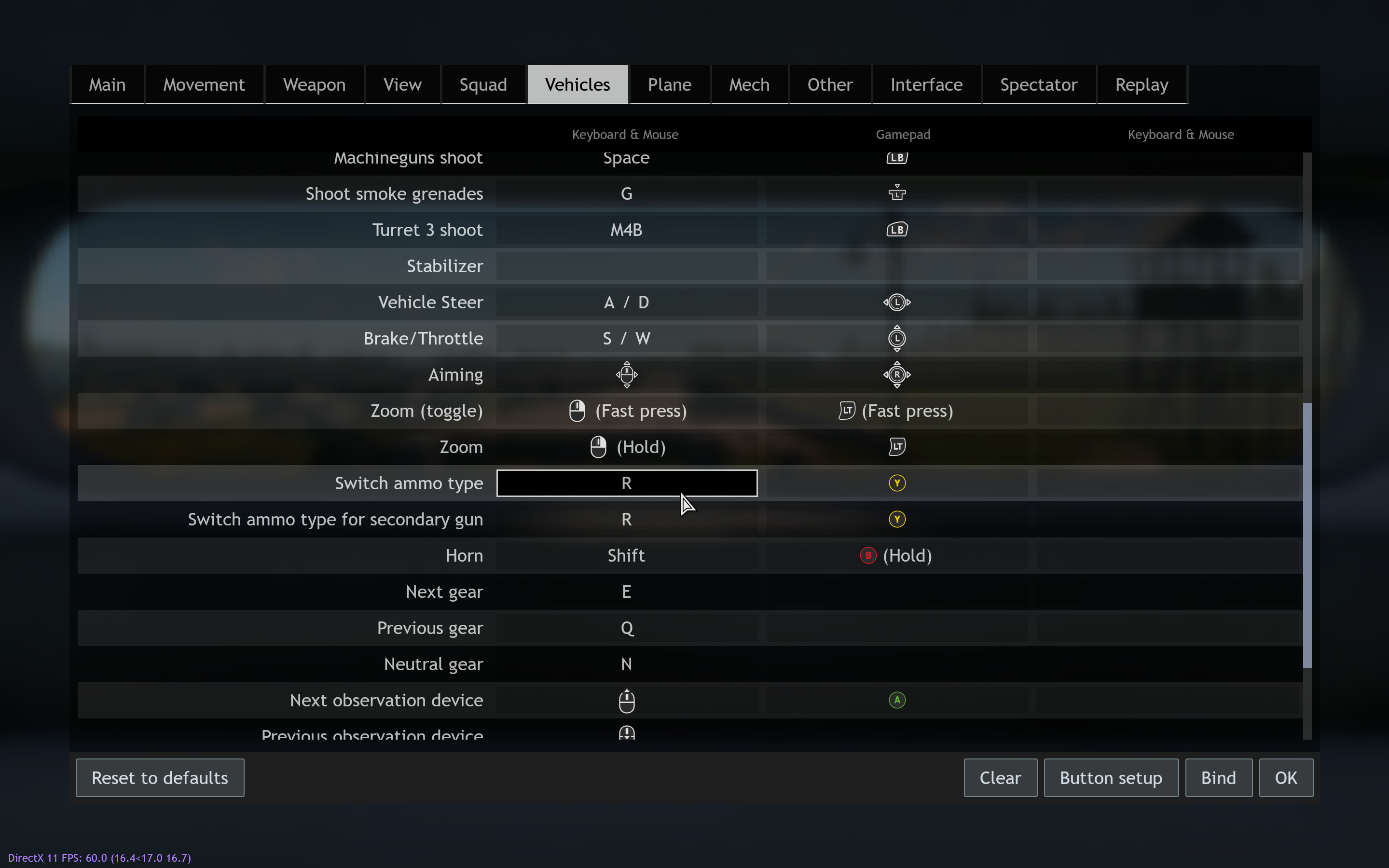
You can already do this in settings.
This does conflict with “Change optic” or whatever it is called, but you can just change that keybind if you want as well.
As I said, because that’s the way the game was initially coded.
Definitely much better than having to guess wether or not you actually loaded a different shell.
Especially when I play without the HUD.
You sure about that?
What we have right now, as far as I can see, is not “switch”, but precisely “next shell type”.
I also don’t see how being able to scroll through shell types fixes your initial problem of having to cycle through other shells, since scrolling will still activate those sounds when you go through them.
Honestly, I don’t even know why you need all these gymnastics with coding here
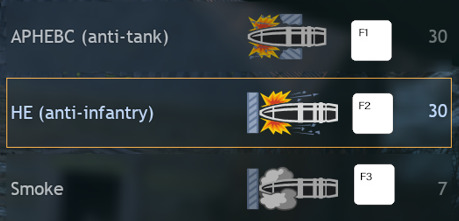
When literally all you need to ask for is porting over the shell selection system from War Thunder (essentially hotkeys), which already solves all the problems you bring up in a much simpler way, without needing 2 second delays or fumbling with your keyboard.
(I actually tried out using the mouse wheel by the way, and trust me, you do not want it. It’s way to easy to scroll through the shell you are trying to select, especially if you are trying to guess which one is being loaded.)
If you do suggest that, then I will support you, since that’s an actual QOL change that might be implemented. Otherwise… seems like just a very high time investment for questionable gameplay mechanics.
Wait but that’s exactly what’s happening right now.
If you want to switch from HE to AP, you have to go through Smoke.
And especially when you play without the hud, all you’ll hear is “load smoke!” even if what’s actually loaded is AP.
But what I often need is previous, not next.
I just want to be able to go up insteaof down and go from HE to AP directly.
On the other hand, some tanks have 4 shell types, so to avoid scrolling through different types and hearing random voice lines indeed hotkeys like you say exist in WT (I don’t play it so idk) would probably be the preferred option.
I get where the confusion might be coming from , perhaps my working didn’t make it clear - sometimes it’s hard to understand if you even hit “R” and switched from the shell you are using now.
If you’re familiar with your tank and know what shells it uses, then you can just press R the required number of times, but if it gets frustrating you have to wait for confirmation.
Ultimately, because of this, hotkeys would be the best. As far as I know WT has both options (I don’t actually play either, but from what I remember R also worked) so it shouldn’t even have an effect on gameplay unless you want to bind hotkeys.
delay can act like a buffer, if you switch ammo type whinin 1 sec the sound wont be play
It’s also very easy to code
switch ammo type → delete exist timer, create timer
timer wait 1 sec → play the sound
This (above) is what you asked for, and I gave you instructions on how to program specific buttons to switch ammo type—you didn’t ask for a scroll option. I don’t use a scroll, so I can’t help you there. If you did, I misunderstood you.