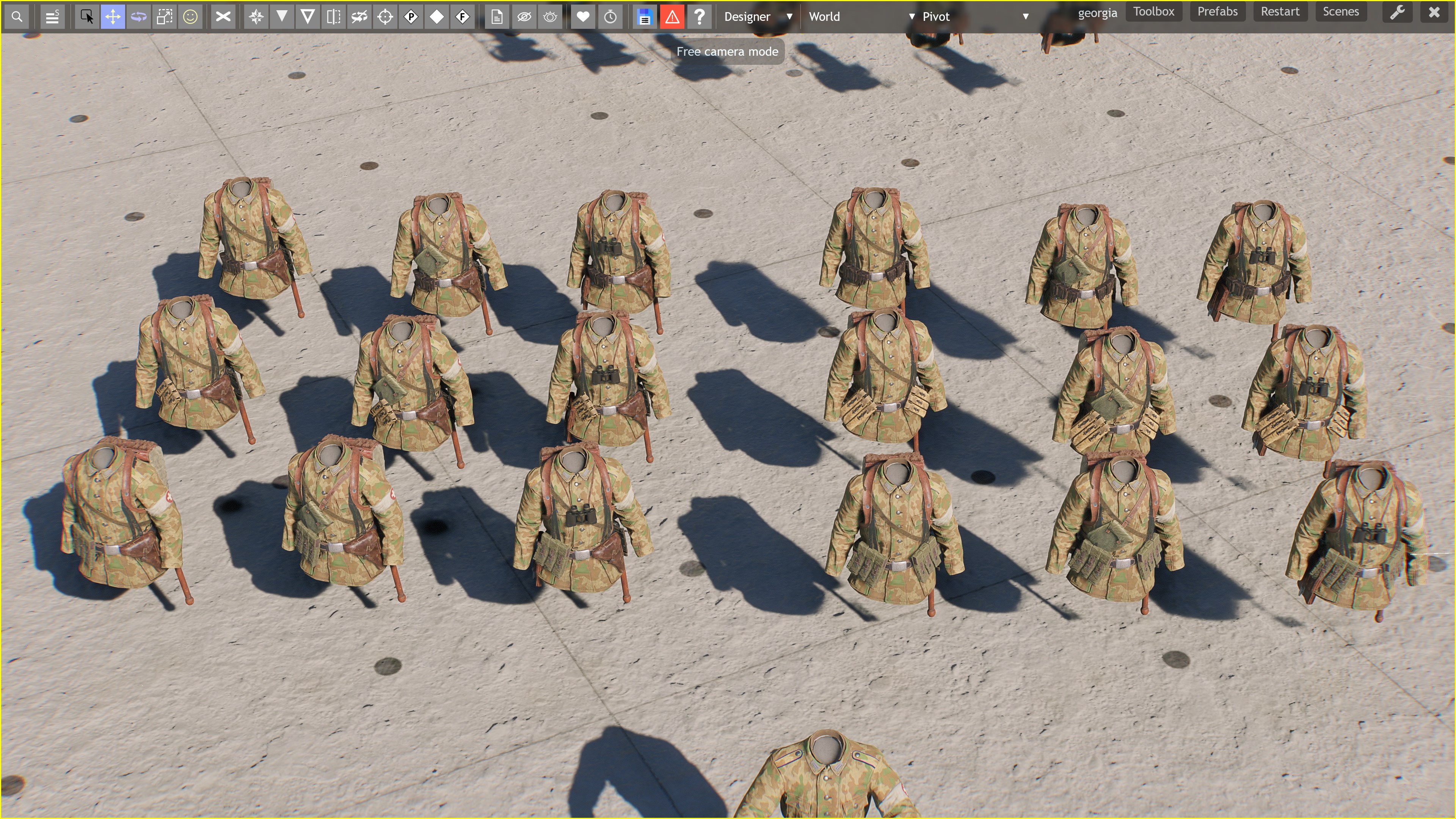
This time around, i come with a rather QOL function that is kinda starting to be needed.
while having alot of choices is always great and more should come to eventually have one of the best customization in gaming history,
a “problem” arises.
and that one is:
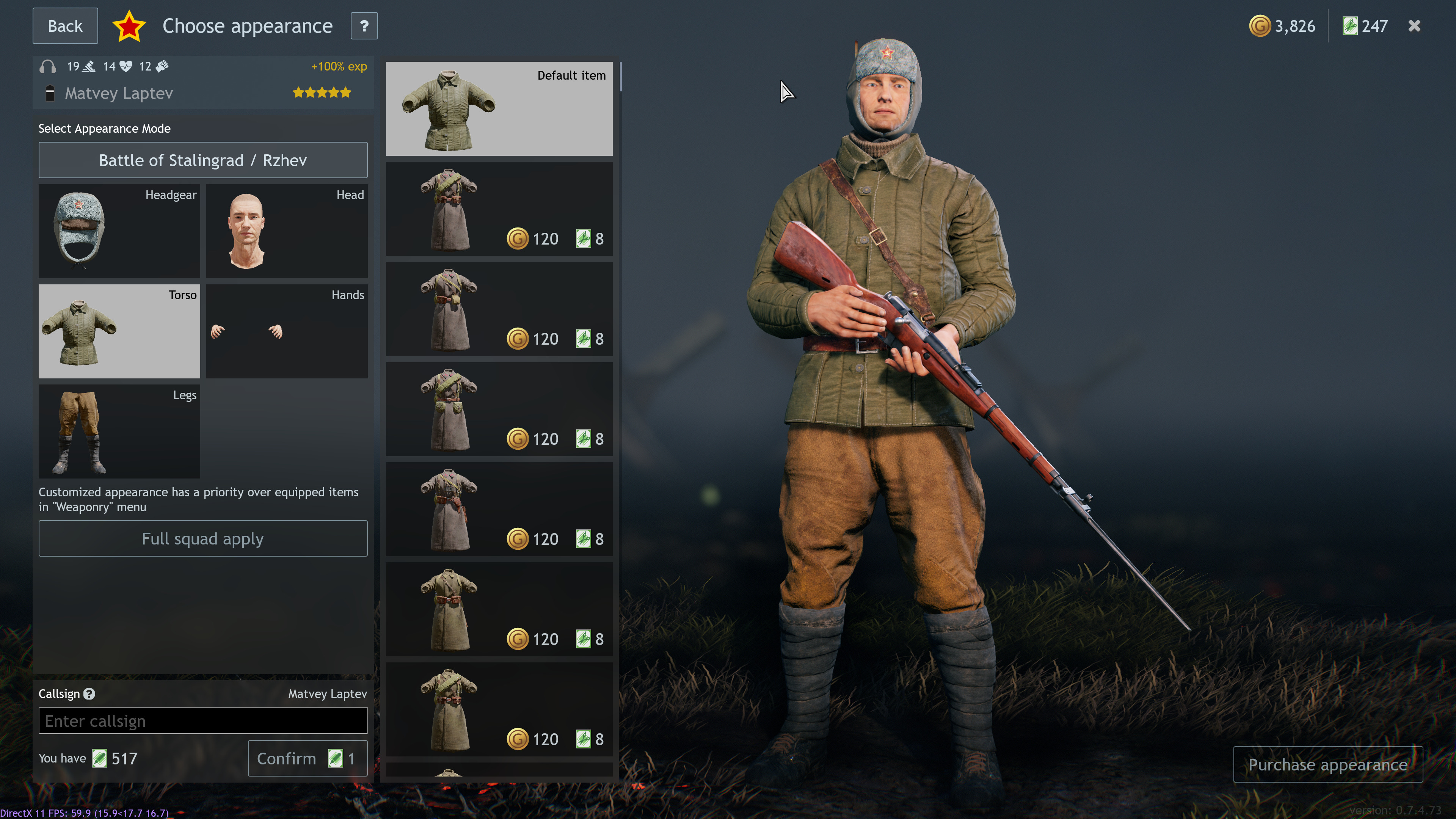
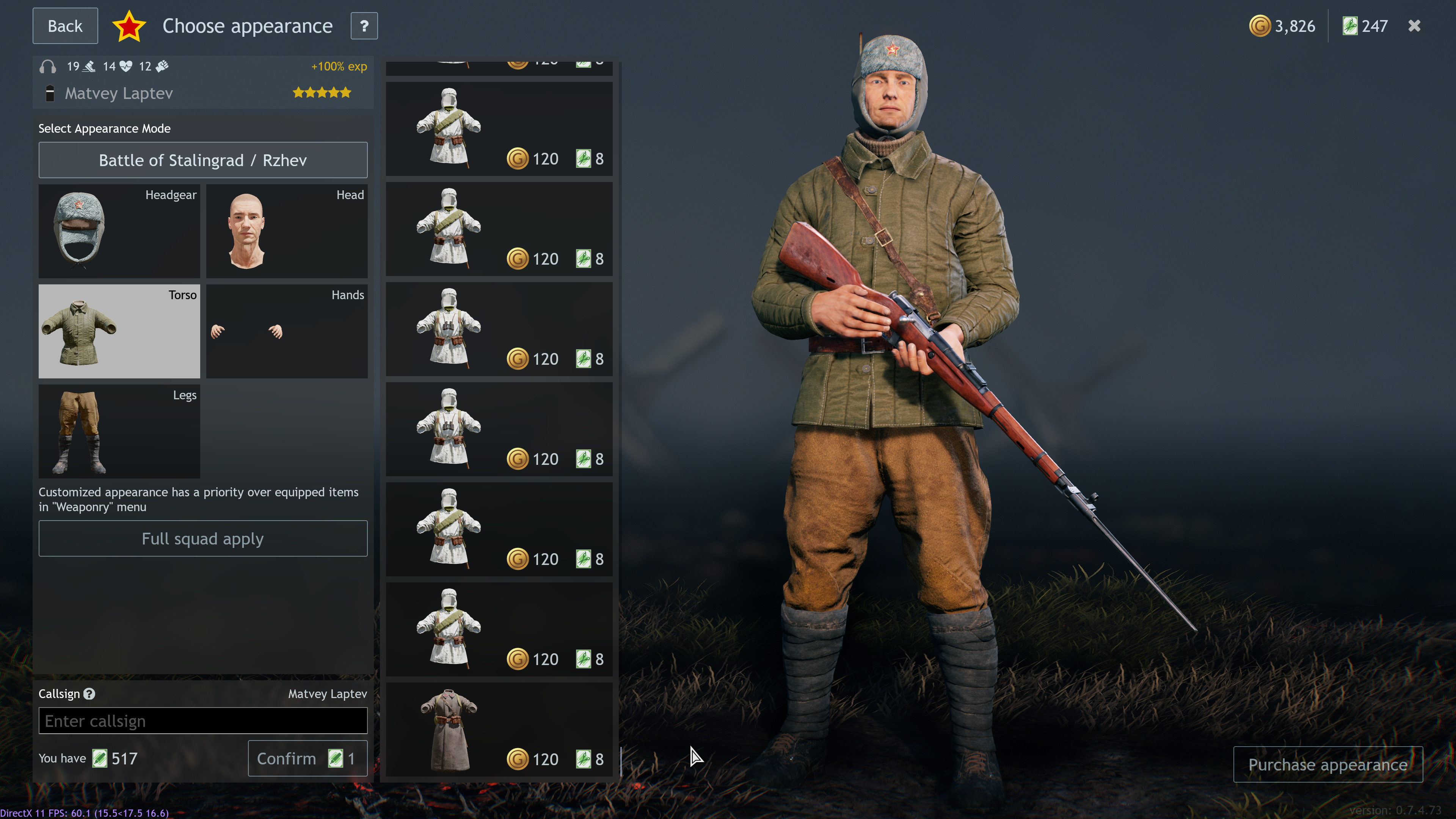
Mouse wheel button:
something like… over well over 50 scrolls mouse wheel buttons before reaching
granted. there’s the side handle. but another problem appears:
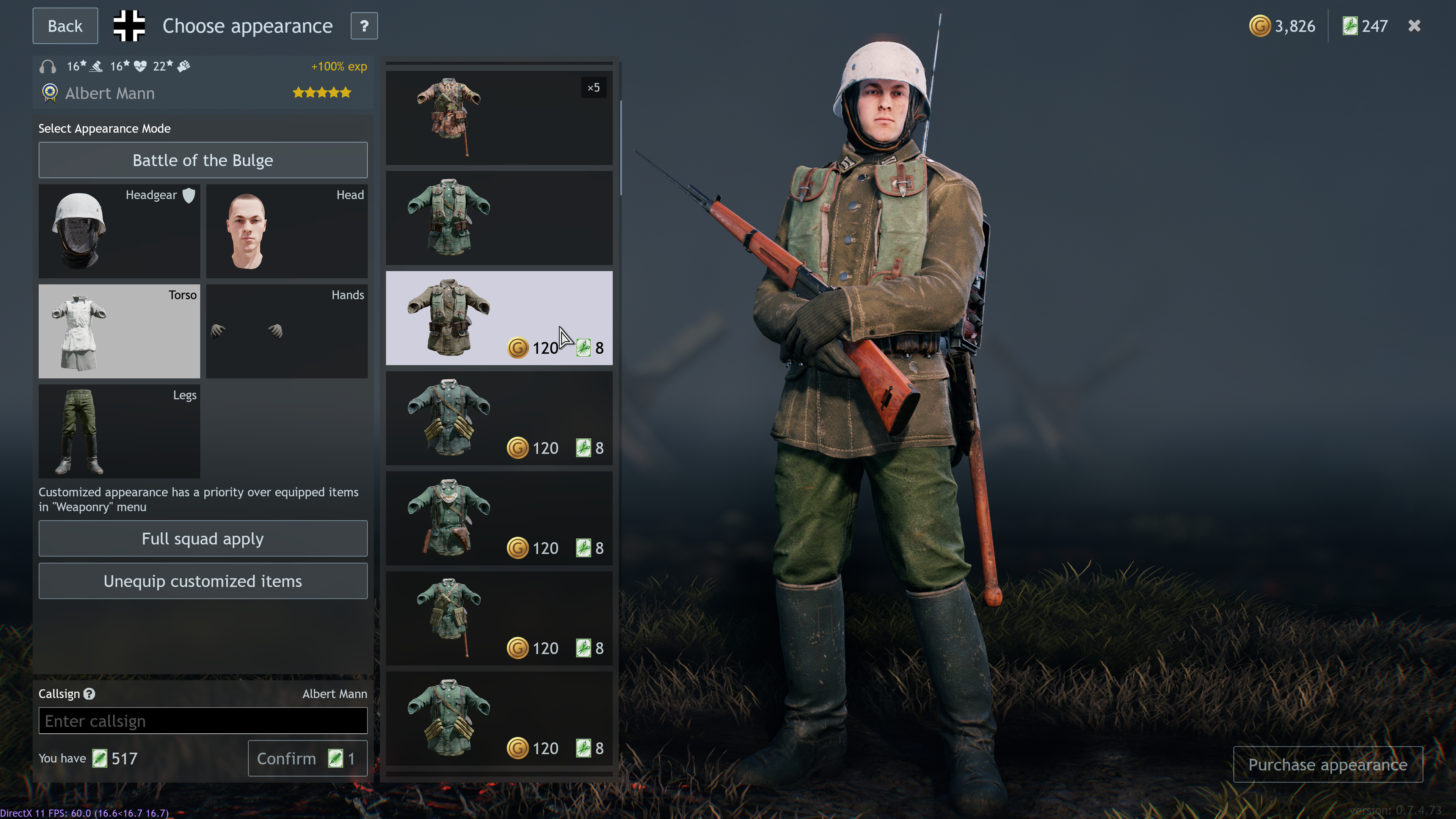
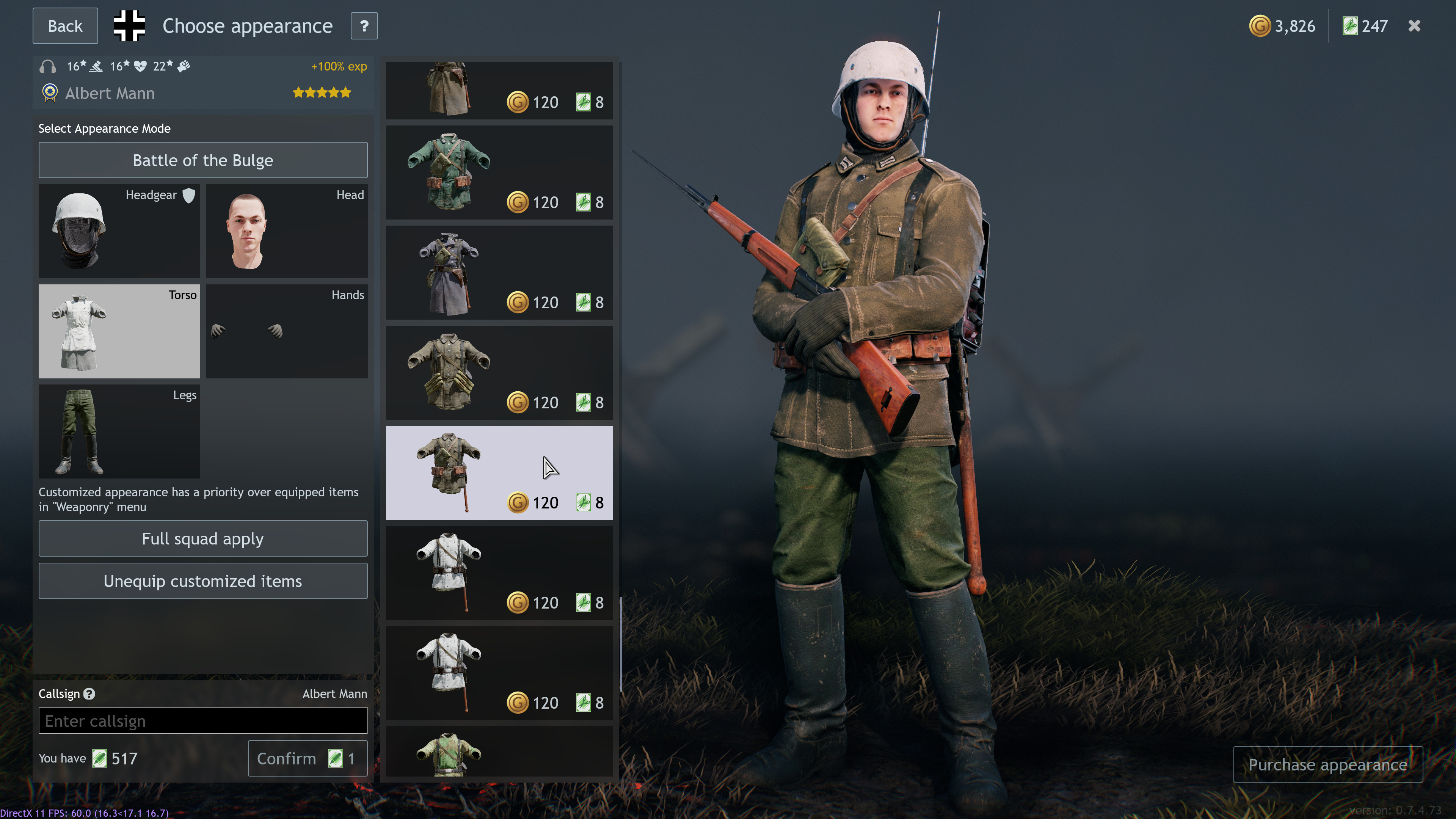
placement of similar choices are all over the place.
sometimes you have to scroll several options before finding a similar option at the top of the list but with different pouches to still match the overall asthetic one may go.
hence, here are two solutions:
( which i’ll let the community decide )
Reorganise customizations into folders based on type
Meaning
much like the " headgear, head, torso, hands & legs " parameters, have their own submenus based on type.
essentially opens up an additional menu to the left ( or scale it down to fit on the right ) featuring all cosmetics of one type as a preview, and through said sub-menu have all choices based on that specific model of pants or in this case, tunic.
like this:
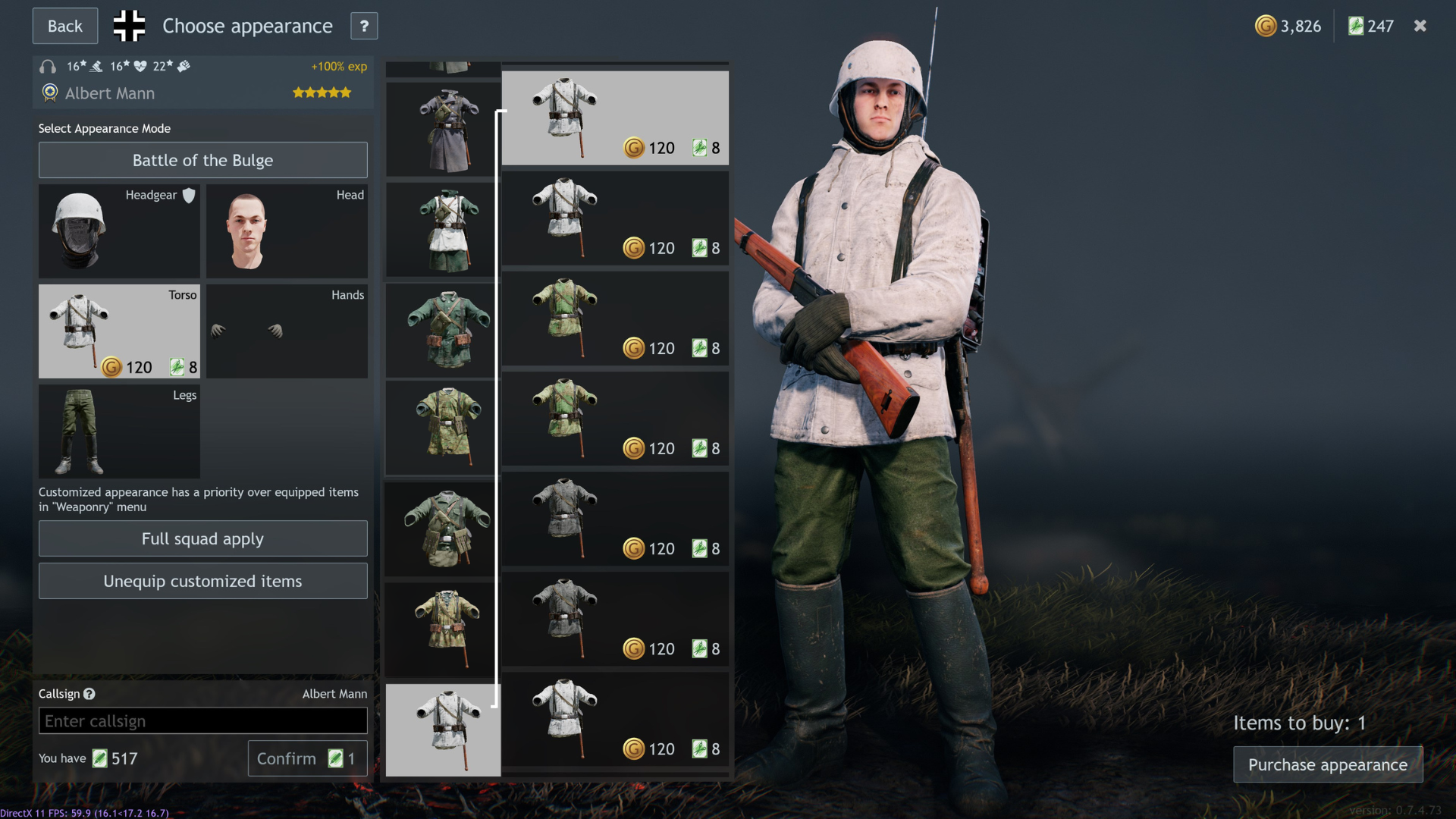
where you expand the model and you’ll find more colorations of the same tunic and you can chose whichever you like in a more organized matter.
or the second option,
Reorganise customizations to have all pieces of the same type in the same column
making sure every single pieces are lined up based on models and colors. somewhat like stalingrad soviets currenty ( tries ) to be:

So, which you prefer?
- Reorganise customizations into folders based on type
- Reorganise customizations to have all pieces of the same type in the same column