yes thanks a mill
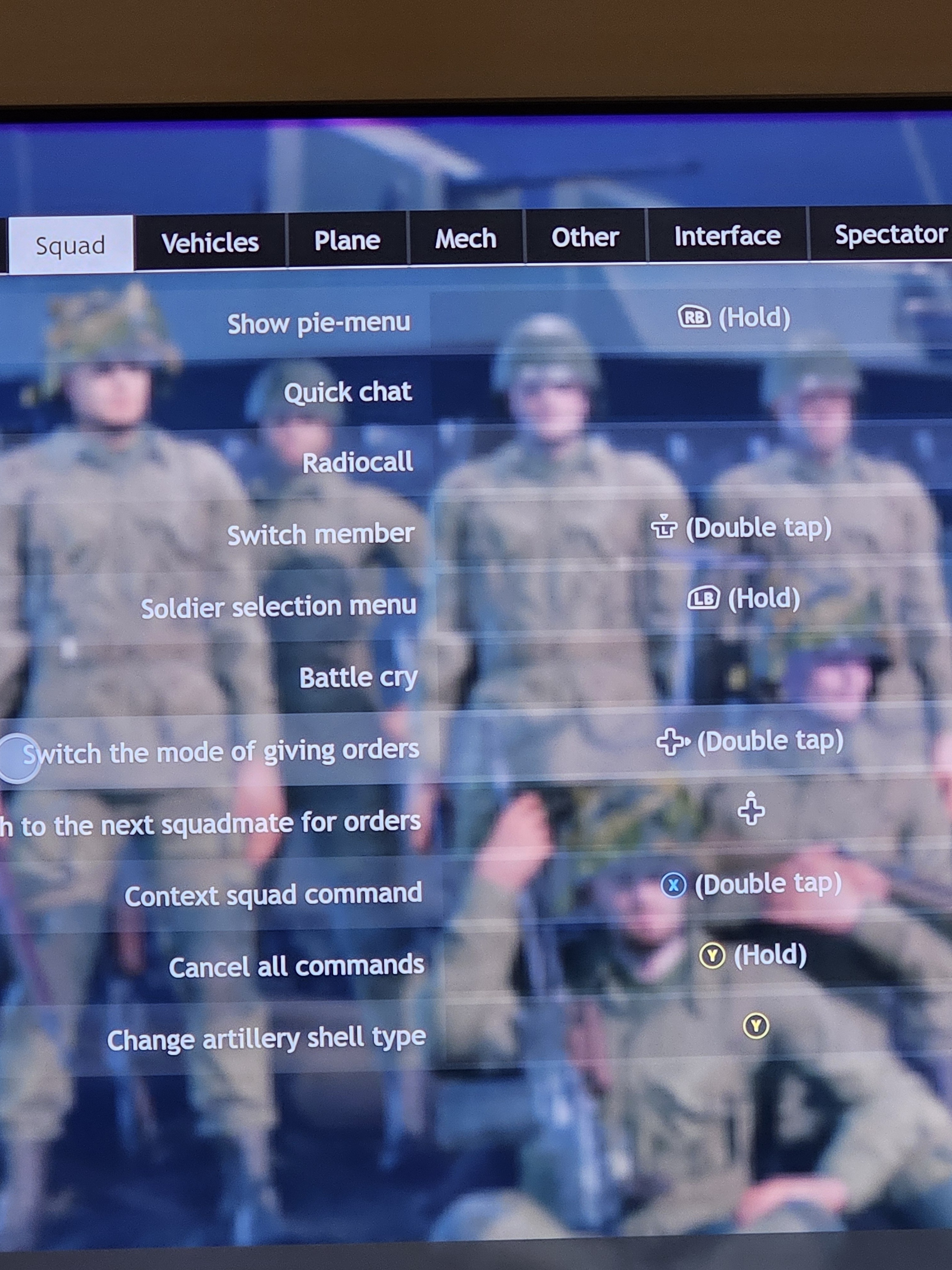
Here’s the orders mode. Obviously a, x, y, and b are different than ps controllers. I do recommend having an input for “switch member” as it allows you to cycle soldiers really fast. It’s highly valuable when your guy dies, instead of waiting for the game to switch you to the next guy you can use this input to switch over way faster if you’re engaged in a battle.
The main things you need here though for the orders is an input for “switch mode of giving orders” once activated it puts you in the single soldier command function, it’s indicated by showing an arrow under your squad members on bottom left of screen. You can then command for the single soldier to stay put like normally, once done, it will automatically switch to the next soldier for a command. To exit out of this mode you hit the input again. I do find the input “switch to the next squadmate for orders” useful. This allows you to scrolls through your soldiers for giving single commands.
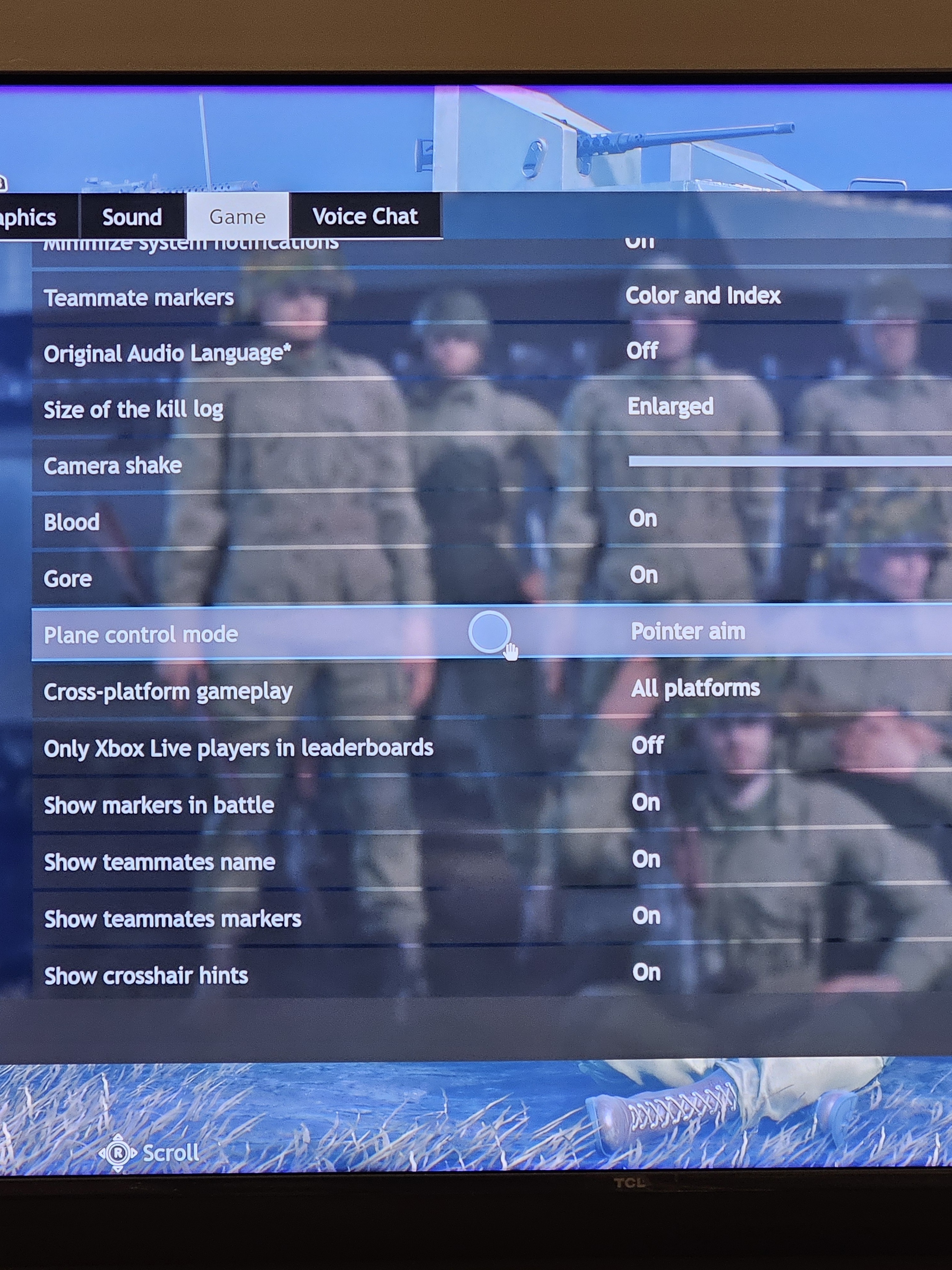
Under options - game, for my controls it’s crucial to have pointer aim on under plane control mode. I believe this is default setting though.

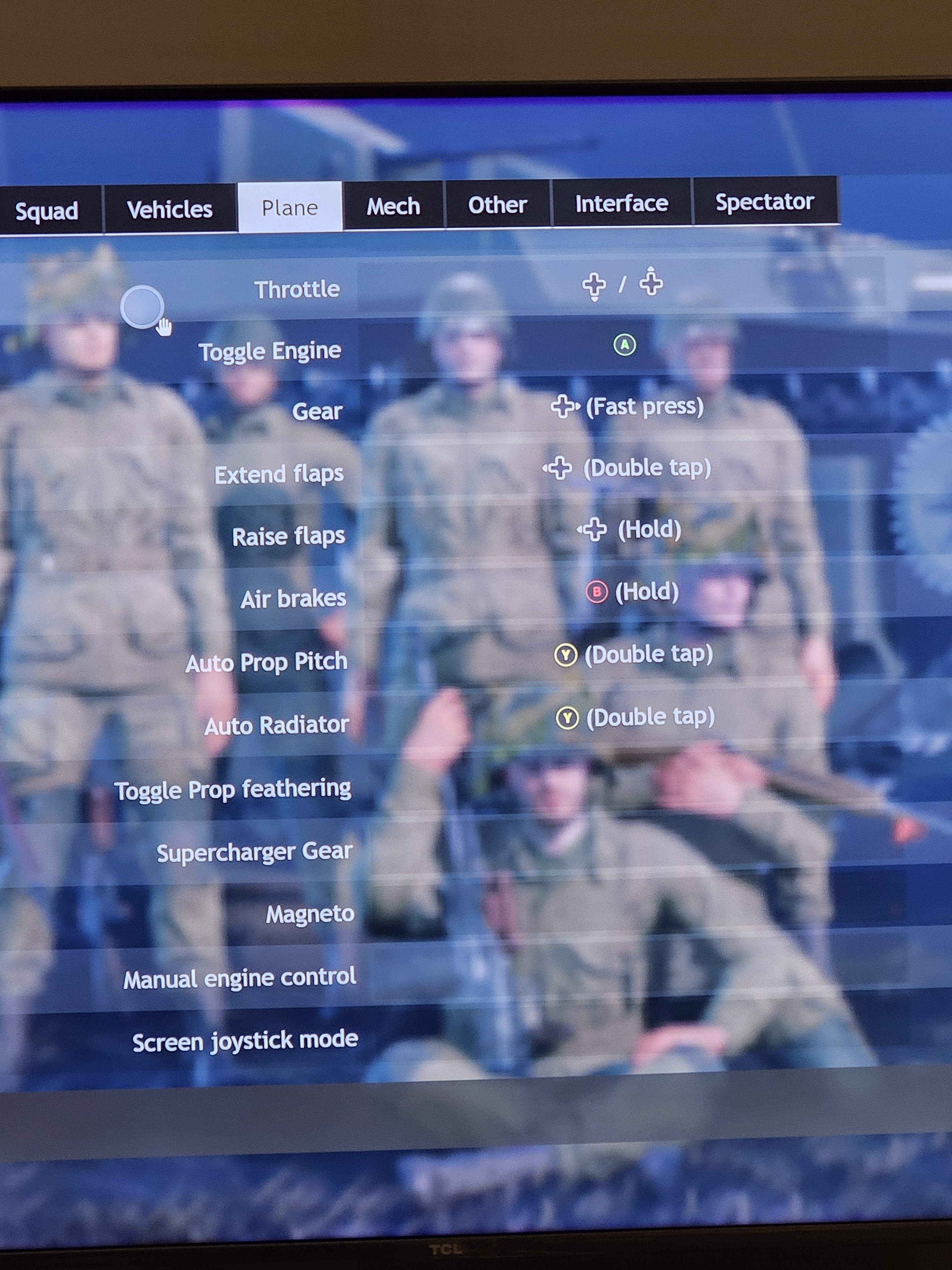
Here, the things that matter most are, “pointer control”, “look around”, “ailerons”, and “elevator” (again my map for look around is only useful because my x is a paddle on the back, without paddles it needs to be left stick click+right rotation) the rest of the mapping is subjective honestly, i built mine around what made most sense to me, but these few controls is what makes it good. It allows you to have maximum plane control for Maneuverability (while being able to look around with right stick) with the left stick, while maintaining pointer aim with the right stick for when you need to accurately shoot at other planes or accurately line up a dive for dropping bombs/shooting rockets. You do have to change throttle controls away from sticks (default) for this to work. My current set up isn’t perfect since new mechanics have been added, primarily the function to change between gunners on large planes. I’ve been too lazy to mess with it much so i just deal with it. It takes a while to learn to fly with both sticks like this, but i promise it allows for maximum potential, at default settings you are incredibly hindered in what you can do. I highly suggest messing around and trying to get used to it. It’s night and day difference once it clicks (which definitely took some time, i must of killed myself a hundred times trying to learn these controls from default settings).
When planes have both rockets and bombs, i change controls to drop bombs with a left bumber double tap, so they both don’t go off at the same time. You are forced to use rockets first like this though. Again, just haven’t found a better way for this specific scenario yet.
Forgot to tag you. Post is up
1 Like
word thanks a bunch ima look it over and test to see what works for me
Something I’ve been wanting to try is taking the zoom function away from left trigger and putting it to right stick click or a paddle button. This would free up a valuable button for something (like secondary guns, or drop bomb/rocket). I decided to keep my right bumper for marking targets as that’s a critical function for finding tanks in a plane (and hold right bumper for quick chat wheel to ask team for marks).
I’ve yet to mess with “switch bombsite view” as well. Something to keep in mind for yourself. From what I’ve seen it’s pretty handy for large bombers.
1 Like
many thanks