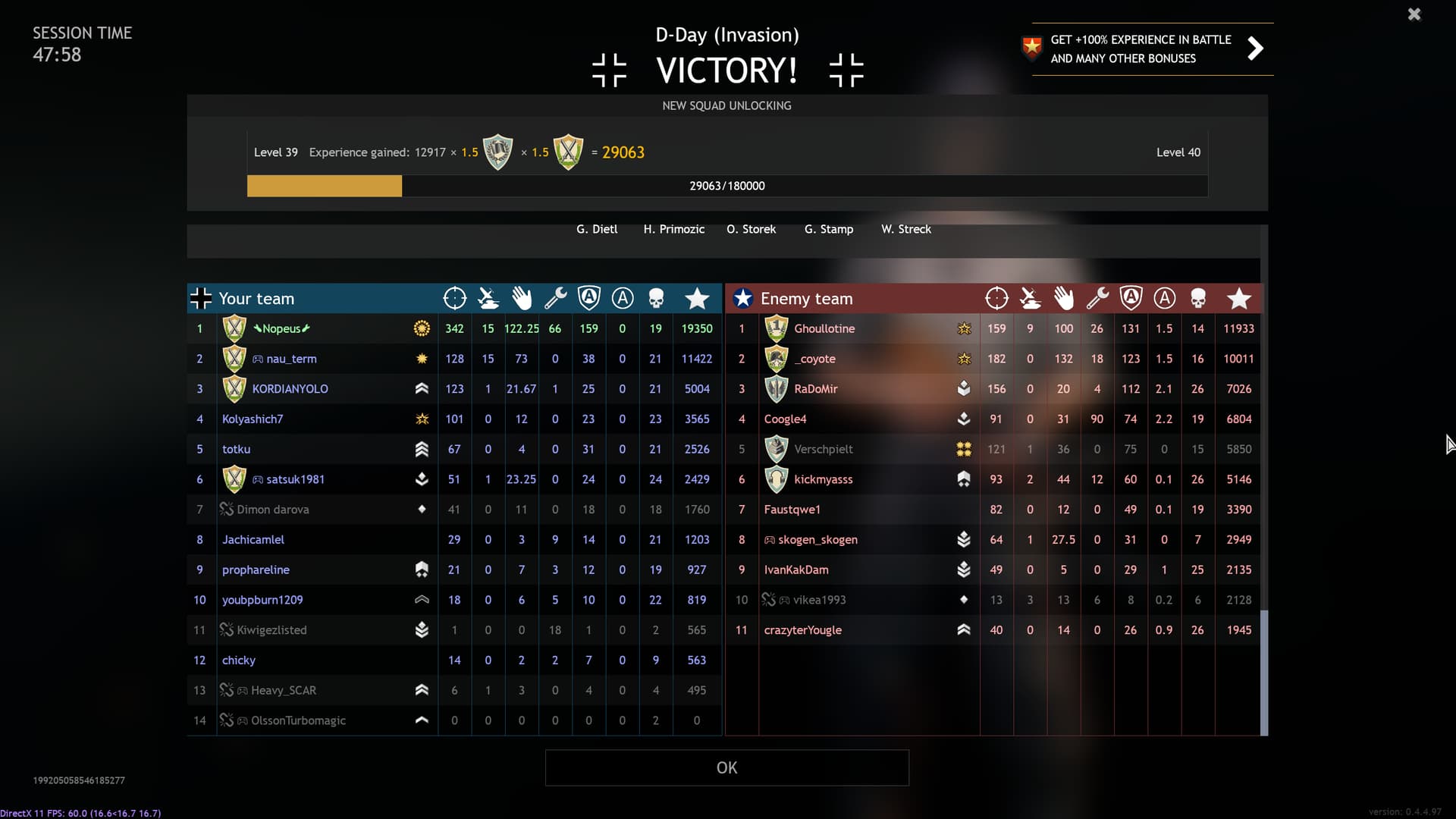
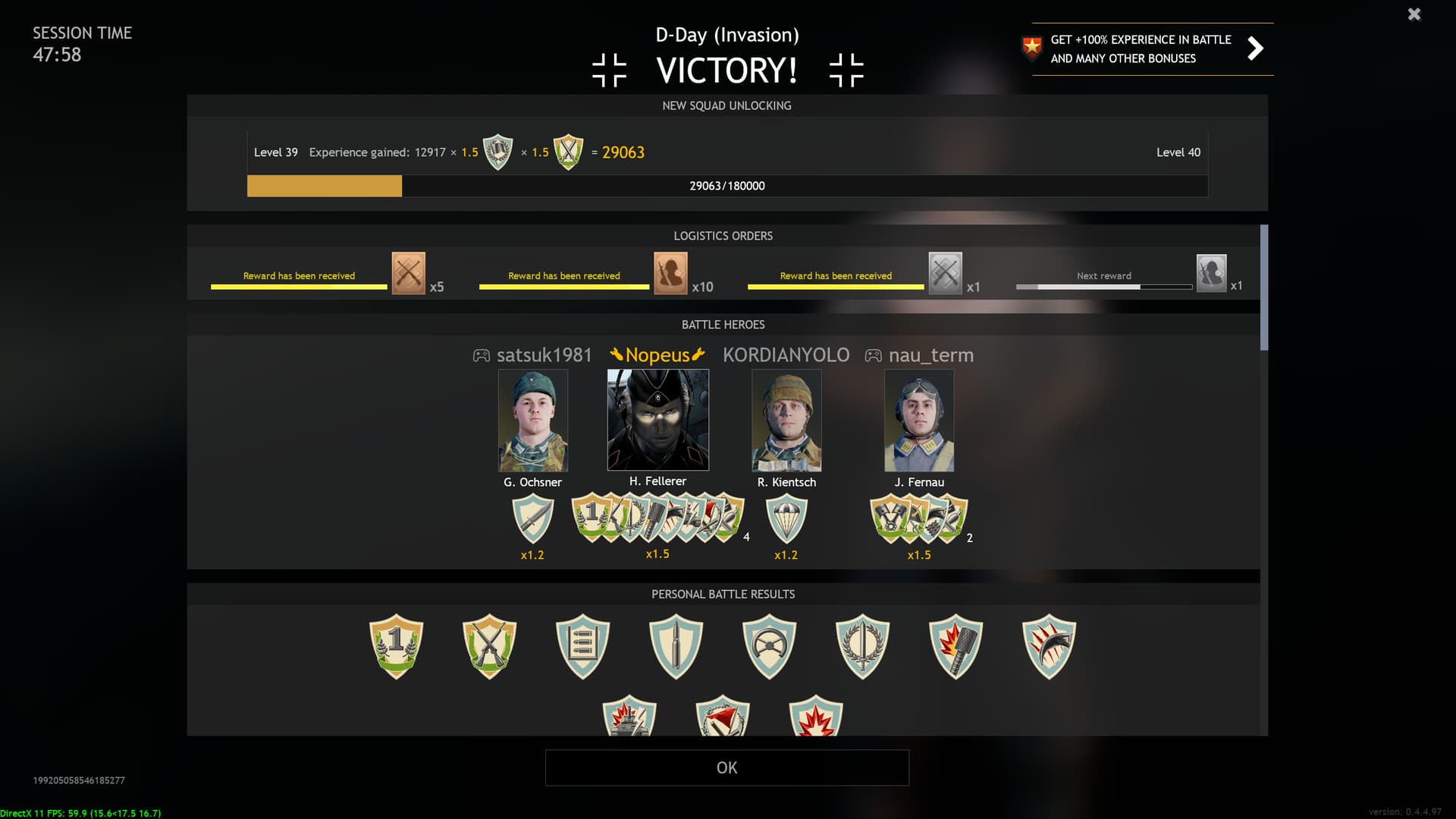
Post your Highest Score of year 2023 game. Dont be Shy 
This was on 5.6.2023
1 Like
No.
4 Likes
D**k measurement moment again?
1 Like
I hope such a matches will be ended after update : )
1 Like
After the merge even lesser number of players than now won’t be able to score even 100 kills. You and I know that for sure.
1 Like
Depends. The war thunder conversion will allow us vets to seal club newcomers with impunity. Doesn’t matter if it’s a stg44 or a mp28… the newcomers will succumb to it.
Or even Moscow starter t60 mowing infantry…
Fighting newcomers is pretty much like a pve custom match…
1 Like
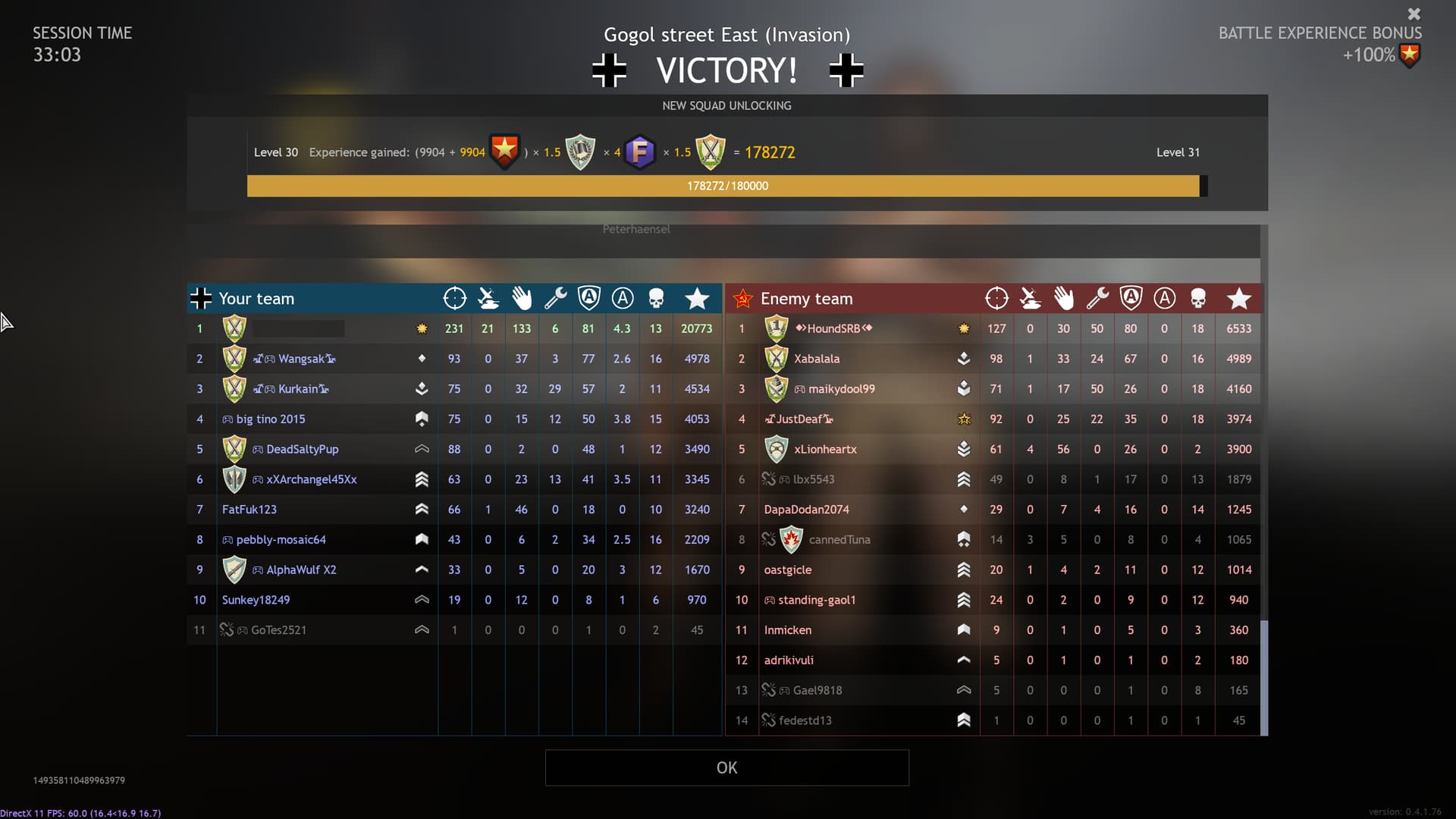
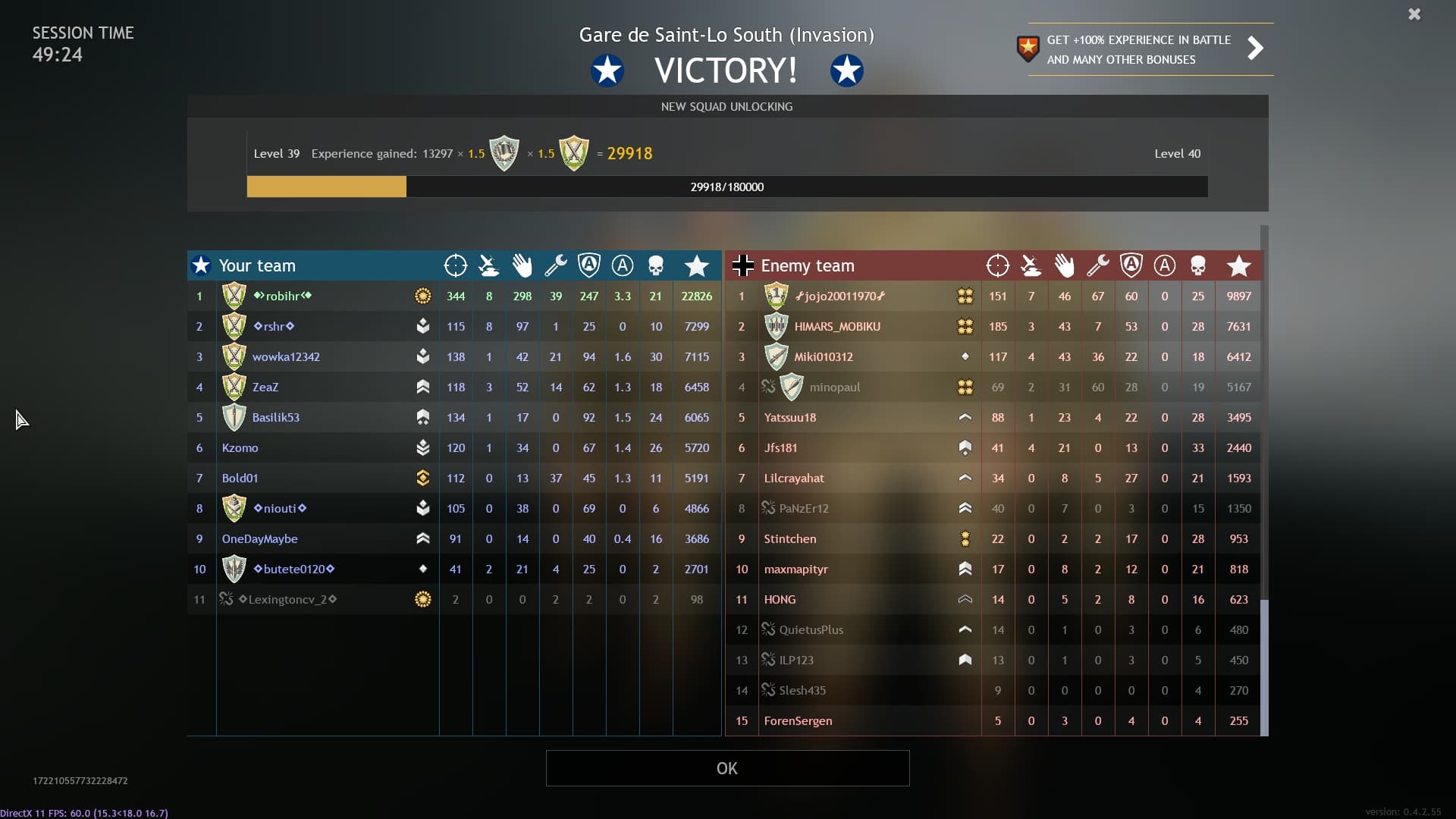
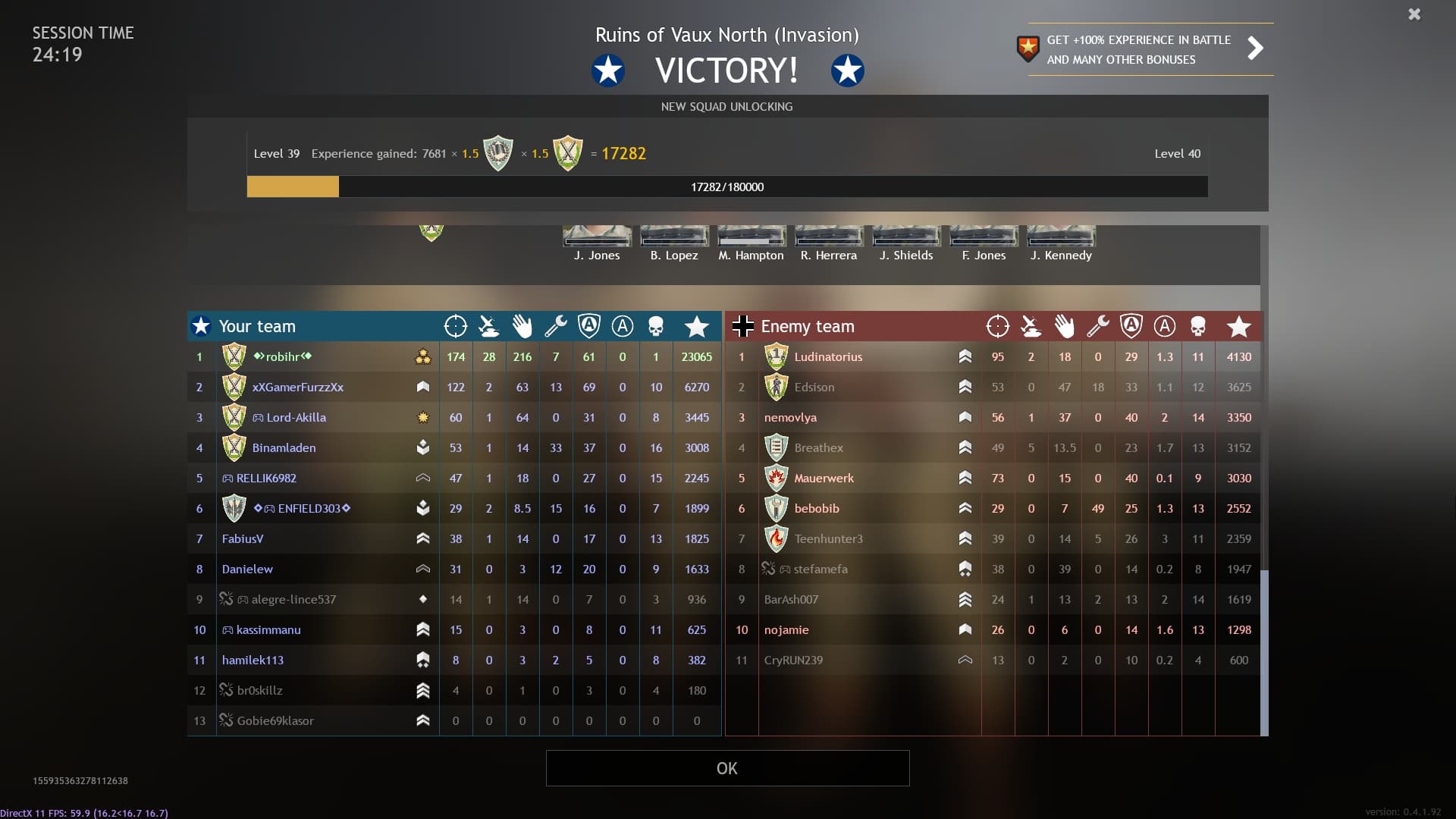
This was very balanced match as matter of fact. If you are referring that allies just were nuked from orbit.
My top score was like 20 killed infantry and one destroyed AI bomber, ±1200 score. But I can’t source it since I don’t know how to make screenshot.
But I was so unbelievable happy with it, it eas truly the best match I have ever played.
3 Likes
Print screen?

You find your images in the screenshot map in the game folder (wherever it is on your pc).
I am not IT professor, I don’t know where to find game folders. All I see is game icon.
1 Like
By the way, why can’t I crop nor edit my screenshots in any way?
Whatever change I try to make, even just cropping unnecessary parts or adding highlights, MS Paint says it can’t save changes.
I can’t even save files in a different format.
I have admin privileges on my PC and as far as I can see the screenshot folder is unprotected.
Also, never had this issue with War Thunder screenshots.
Just use this instead of painting app lol.
You need to disable keyboard shortcuts for windows 11 apps.
Pretty free utilities that allow you to quickly take screenshots and at the same time crop them to the desired size right on the spot.
For me:
C:\Users\MyName\AppData\Local\Enlisted\Screenshots
Could be:
G:\Enlisted\Screenshots
For screenshots you can also use windows+prtscr. Then your image will be saved in the default piscures folder and you won’t face a problem @Serpiko82 mentioned.
1 Like
Thanks.