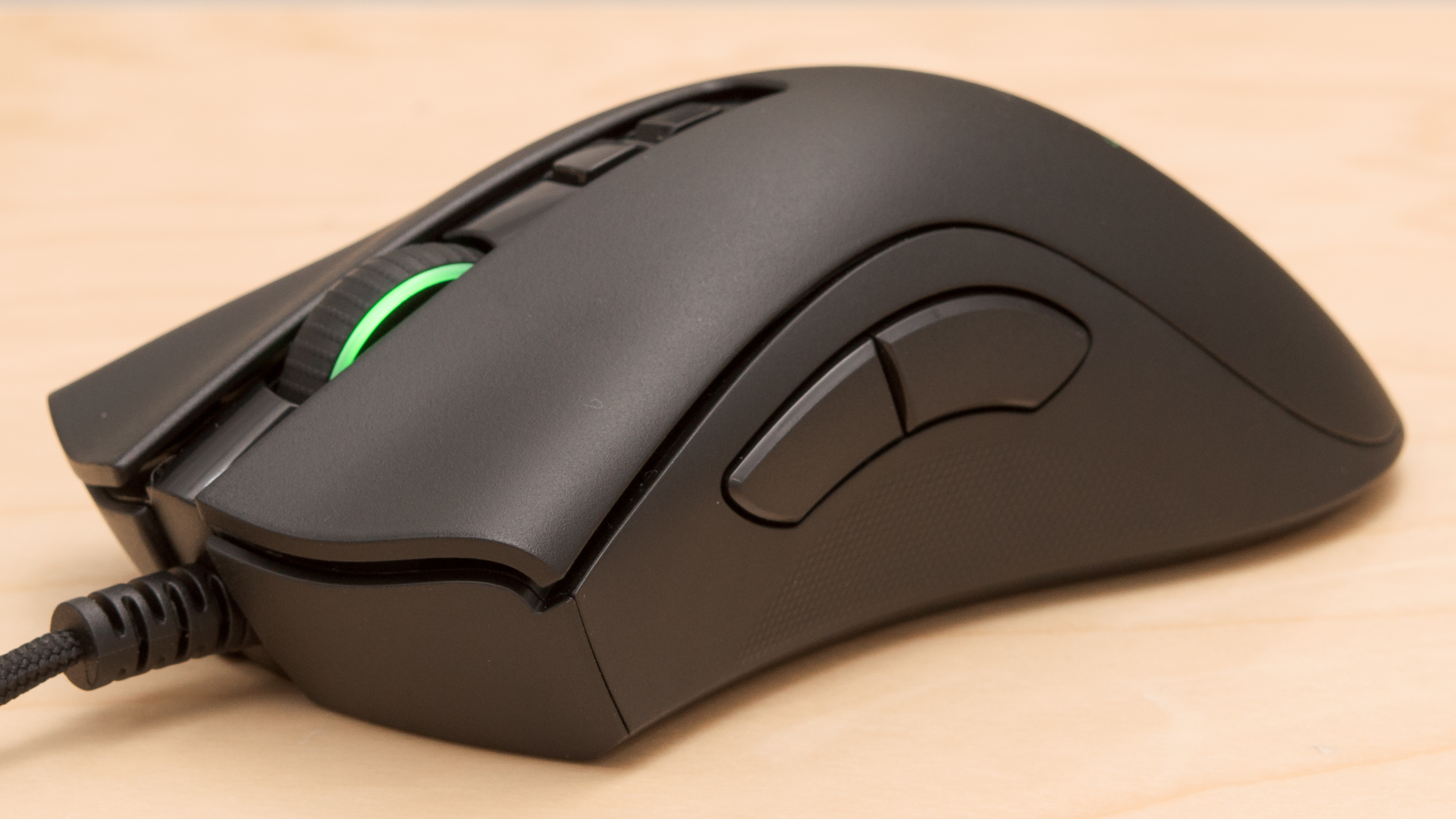
these are the keybinds i use when playing, personally this feels like the best setup everything is very accessible and easy to remember all binds with the word CLEAR in them i found to be redundant binds that i felt were more confusing then actually helpful. if you use them all the power too you but i feel like they aren’t really needed.
Movement
Movement – W, A, S, D
Jump – Space
Sprint – Shift
Crawl – Ctrl (Hold)
Crouch – Ctrl (Fast Press)
Weapon
Shoot – LMB
Aiming – CLEAR
Aiming (2) – RMB
Zoom – RMB
Breath Holding – Keybind #1: Left Shift, Keybind #2: RMB (Double Tap)
Gun Reload – R (Fast Press)
Toggle Rifle Grenade Launcher – R (Double Tap)
Weapon 1 – CLEAR
Weapon 2 – CLEAR
Weapon 3 – Q (Hold)
Weapon 4 – M5B (if you don’t have a mouse with 2 side buttons wellp your SOL here)
Special Weapon – E (Hold)
Next Main Weapon – Q (Fast Press)
Next Weapon – CLEAR
Previous Weapon – CLEAR
Melee – M4B (if you don’t have a mouse with 2 side buttons wellp your SOL here)
Throw Grenade – CLEAR
Throw Smoke Grenade – CLEAR
Throw Explosion Pack – CLEAR
Next Grenade Type – E (Fast Press)
Increase Zeroing Distance – Mouse Wheel Forwards
Decrease Zeroing Distance – Mouse Wheel Backwards
Firing Mode – R (Double Tap)
Mount Weapon – Shift (Double Tap)
View
View – CLEAR
Aiming – Keybind #1: Mouse, Keybind #2: Alt + W, A, S, D (Keybind #2 is used for aiming the mortar quickly with keys Alt is just the best modifier i could think of to toggle the control)
Leaning – 2 1 / 3
Squad
Show pie-menu – ~
Artillery Strike – Z
Switch Member – V
Battle Cry – CLEAR unless you want to use…
Switch the mode of giving orders – C (Hold)
Switch to the next squadmate for giving orders – C (Fast press)
Context Squad Command – X (Fast press)
Cancel All Commands – X (Hold)
Vehicle Controls
Vehicle Seat 1 – 1
Vehicle Seat 2 – 2
Vehicle Seat 3 – 3
Vehicle Repair – RMB (Release)
Vehicle Steer – A / D
Vehicle Throttle/Brake – Keybind #1: S / W, Keybind #2: Space / (Keybind #2 is used as an additional brake key a sort of handbrake when used together with W and A or D but if used without left/right direction it just puts the vehicle in neutral)
Shoot – LMB
Turret 1 Shoot – RMB
Turret 2 Shoot – RMB
Turret 3 Shoot – RMB
Switch Ammo Type – R
Zoom – Shift
Horn – Shift
Next Gear – CLEAR
Previous Gear – CLEAR
Neutral Gear – CLEAR
Next Observation Post – Q (Fast Press)
Previous Observation Post – Q (Hold)
Automatic Transmission – CLEAR
Look Out The Hatch – E
Plane Controls
Pointer Control – Mouse
Look Around – C + Mouse (i use M4B as the modifier but if you don’t have it just leave default i guess)
Zoom – RMB
Shoot – LMB
Shoot Cannons – LMB
Shoot Additional Weapons – LMB
Drop Bombs – Space
Shoot Rockets – Space
Ailerons – A / D
Elevator – W / S
Rudder – Q / E
Throttle – CLEAR Shift/Ctrl but leave the mouse wheel control + bind No throttle to Z and Max throttle to Click Middle Mouse Button
Gear – X
Extend Flaps – C (Hold)
Raise Flaps – C (Fast Press)
Air Brakes – Shift
Brakes – Ctrl
Other Controls
Recover – F
Use – F
Pick Up – F (Fast Press)
Pick Up and Replace – F (Hold)
Medkit – F (Hold)
Next Building Type – R
Interaction with Buildings – X
Building Selection – RMB
Interface
Screenshot (No GUI) – Shift + Print Screen
Screenshot – Print Screen
Game Menu – ESC
Map – G
Chat – Enter
Briefing – F1
Scores – Y
Mark Enemy – Keybind #1: Click Middle Mouse Button, Keybind #2 RMB/LMB
Voice Chat
Voice Chat microphone – TAB
Spectator
Previous Target – A
Next Target – D