Is there a “Bugs” section? Sorry, I chose as best as I could.
I wanted to share that since the recent update (for Halloween) I have noticed that as a pilot;
-
I can no longer bring up the pie-menu to communicate
-
I can’t eject or exit from a plane
The control mapping for Controls/Other/Use is what I use to get in an out of MG nests, or vehicles. It works fine for those on Playstation, but will no longer let me exit the plane. I have cleared then re-assigned the commands but it won’t work.
For the radio chat, I use it to thank colleagues if they’ve identified a tank or placed a manual waypoint to help with the bombing runs.
Best regards,
Fair
I forgot to mention that if I land my plane and can’t eject as the pilot, if I kill my pilot, I jump to my rear-gunner. Sadly, even though I got a message that I had landed successfully, it didn’t teleport my gunner to the battlefield. I was told to “get back to the zone” and then died for being too far from the point.
Mine still works. Check all your controls. Sometimes overlapping controls completely break something. I currently do not have the ability to get out right now myself because i broke it and just haven’t bothered fixing it.
It took me like two years to really learn planes. The game really doesn’t make it easy to pick up well. Gate keeping players is wrong. Don’t be an ass to those who aren’t that great. Kills/deaths aren’t even that important. There are many ways people can contribute like building rallies and taking the objective while others defend.
Hey Bloodbandit, thanks for the support.
I’ve unbound and rebound my USE controls. I can still get out of vehicles, but not the plane.
If you do try to correct your eject from plane issue, please let me know if it’s working for you.
A lot of times, I get shot up a little, and then land the plane - but I can’t get out.
I’ll look for conflicts with Show Pie Menu, but I don’t think I have any. This just stopped working after the last update.
Letting me know your Pie Menu in flight is still working helps. I’m on PS4 though.
I’ll try to find my old post about console controls for flying. It’s night and day difference. I don’t really want to type it all out again right now though. Sick as a dog
Man, some dude slagged me off in this post.
To whomever flagged it, thank you, they removed it.
I just wish they got it deleted before I saw it 
Now I gotta defends me honor.
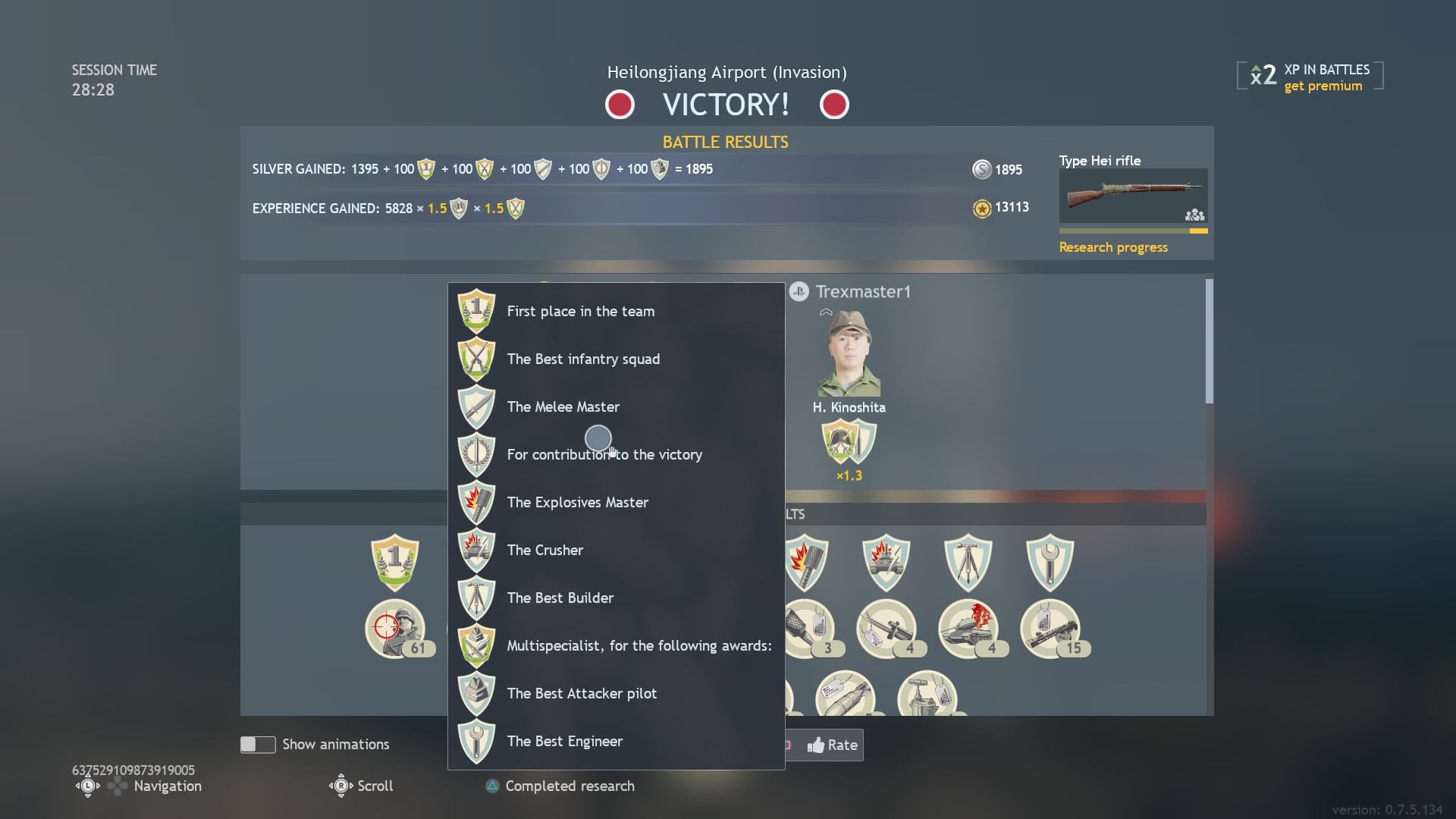
This is my favorite reward; “For Contribution to the Victory”.
Any clans recruiting (seriously)? I work for the team!
It’s ok BloodBandit, you don’t need to look for them. There are a few good “console controller settings for flight” posts on YT. But you said that you couldn’t eject and might fix it later. If you do, please let us know if you can eject from planes again.
I’ll give you the really short version, you’ll have to figure out the rest of the mapping yourself. In the game options make sure you have “pointer aim” on “plane control mode”
In the controls section change “pointer control” to right stick directional
Look around: I have x + right stick (my x is a back paddle, if you don’t have a back paddle you can use left stick click + right stick directional or get rid of zoom on left trigger and use L trigger plus right directional. Point being you need to be able to keep both thumbs on sticks while having an additional button press to activate look around)
Ailerons: should be left stick (left and right directional)
Elevator: should be left stick (up and down directional)
You have to take everything else off sticks like throttle, i put mine to d pad up and down.
This set up allows you to take full advantage of your maneuverability with left stick, while being able to look around with right stick simultaneously. It allows you to make small accurate movements with right stick when you’re trying to line up a dive to hit the ground (you’ll want to use left stick to pull out of dive though), and allows you to be much more precise in shooting down aircraft with right stick. It takes a long time to get used to these controls and using both sticks at the same time, but it unlocks the most out of the plane for controller.
Back when I was looking into flight control suggestions I didn’t find anything quite like this. This was a long time ago though. I had spent hours testing things out and making sure i still kept functionality when introducing overlapped buttons. I highly suggest giving this a try if your’s has a different core setup
I might mess with it, but i don’t really care to do so. I just kill myself if something happens.
Hey, thank you for your reports, but bug reports should be made on the Community Bug Reporting System
https://community.gaijin.net/p/enlisted
I have a PS4 Pro, i can test and see if it happens for me too.
For now, try binding the radio menus to another button combination on your controller and see if it helps