PC Steam
Ok, so first, you should navigate to the Events & Custom Matches menu.
Then, click on the Create Game button
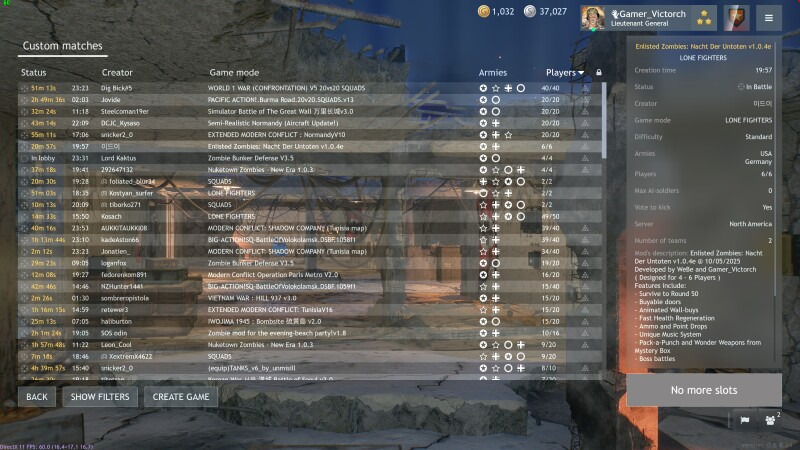
After that, click on the Mods button in the menu.
Paste the URL that you have copied with the green button from the mod post into the textbox there, and click download.
Finally, select the mod that appears in the list and click the apply button. You can create the game after you have tweaked the settings (such as server region and played limit).
1 Like
✪ Enlisted Zombies: Der Riese v1.1.0
Supported by: Enlisted Modders Community
Updated for 0.7.6.x:
-
[!] Upgraded the level binary file
EDIT: The game has restored support to the old level binary file format, so older versions will continue to work -
Fixed a problem with
Der_Riese_zombie_wave_gen.py, which generates zombie waves for the map- Uber-goblins can now spawn after encountering the Goblin King boss.
1 Like