The current replacement tank mechanic is broken and it gives soviet tanks in western front and german tanks in pacific front. How can i disable it in my mods so i don’t have to see t-50s in Tunisia?
2 Likes
I think I saw something about free tanks in the team entity. I’ll check it out now.
1 Like
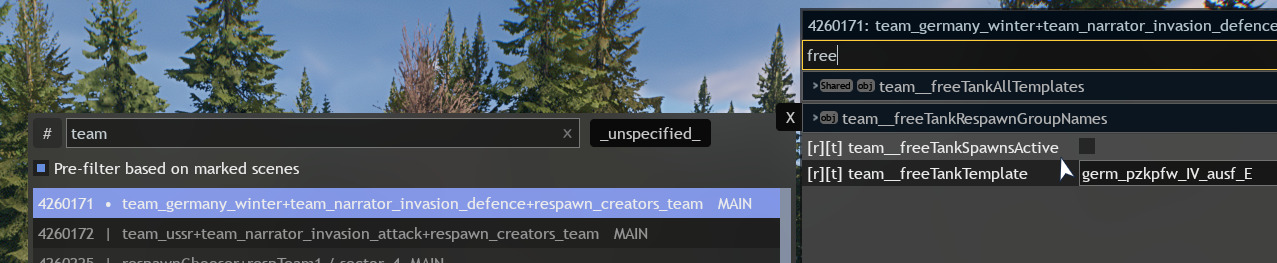
I can also assume that in this text input you can specify the desired model of a free tank.
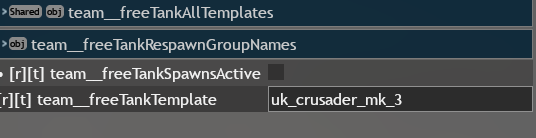
The replacement tank function is automatically inactive yet i still see people spawning these tanks. In the editor it also shows that the replacement tank should be crusader but in the actual game it is t-50. I guess the whole system is broken
1 Like
Also i tried changing the tank but after restart it resets back to crusader
1 Like
Try doing this through the scene.blk file.
1 Like
Sometimes, if something doesn’t save in the editor, it may be saved if you edit the file manually. But not always.
1 Like
I have very little experience with scene.blk and i have no idea what i should do
Open this file in any text editor and find the required entity. It should contain the needed setting.
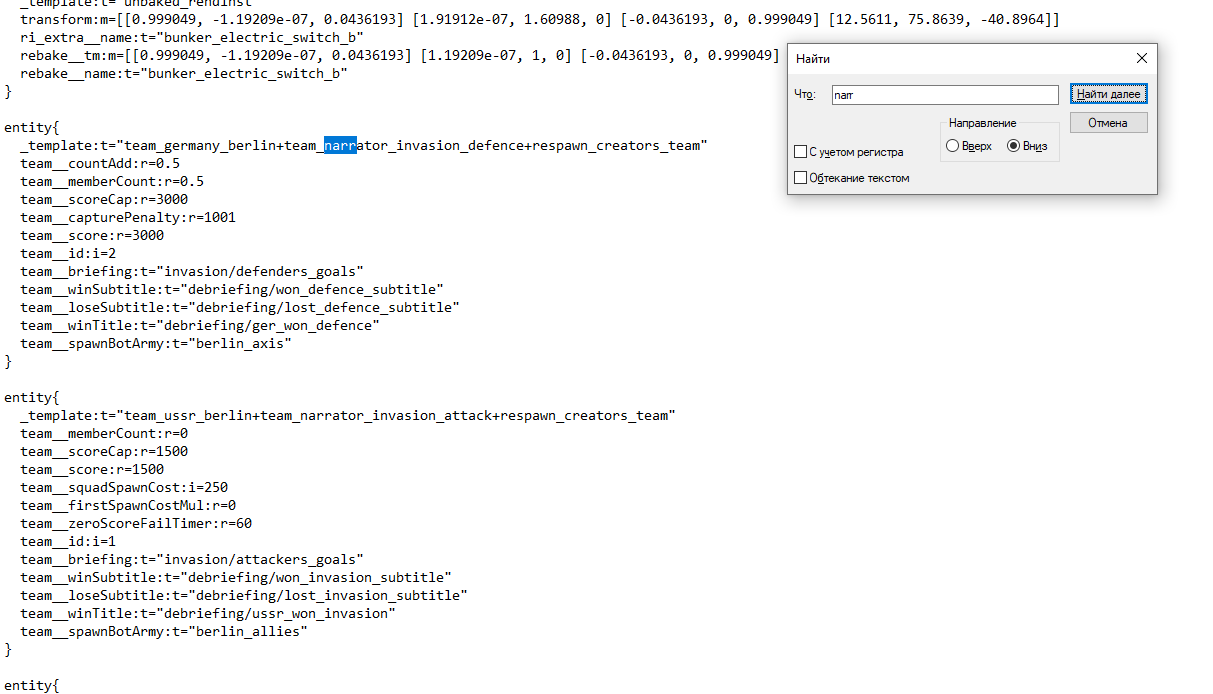
Although in my file in the team entity I don’t see anything about free tanks.
1 Like
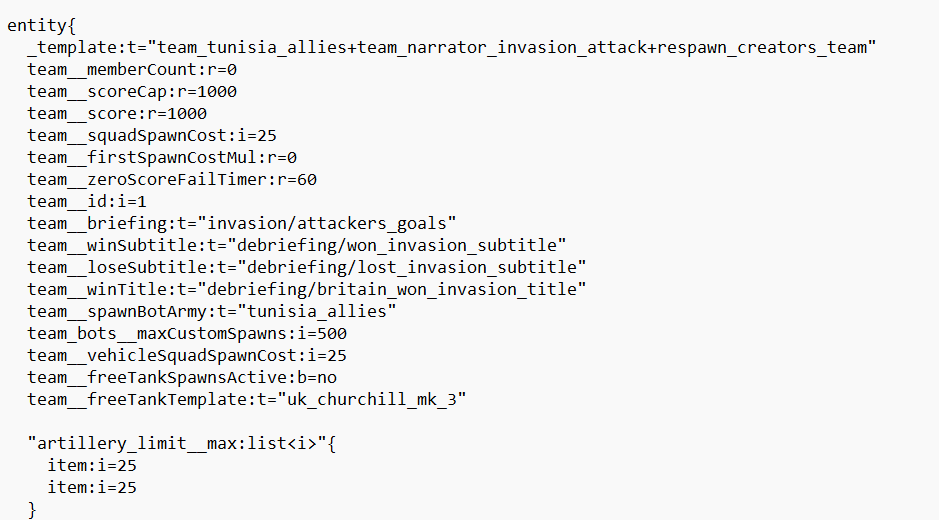
I also can’t find anything about replacement tanks
1 Like
Try enabling the free tanks checkbox in the editor and saving the scene. This should appear in the file after that.

Try writing No here.
I don’t know how it works for you. I don’t have a scene where the bot is used by free tanks.
1 Like
Okay, this thing is just broken.
Is there a free tank respawn in your scene? If so, try deleting it.
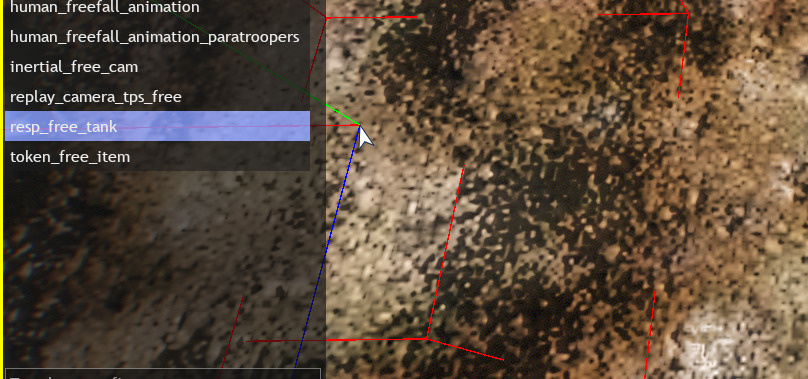
1 Like
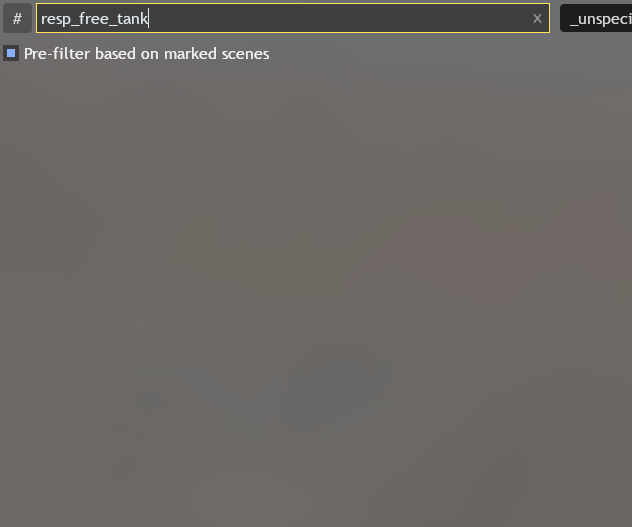
Nope. Also the checkbox resets back to default after restart. I think the replacement tank spawn comes with normal tank spawn instead of being separate entity
1 Like
Perhaps this is somehow specified in the map source. If so, it will need to be imported into the scene, but that requires data mining. I can’t help with that.
1 Like
There are also some free tank settings in the vehicle respawn. You could try checking them out.
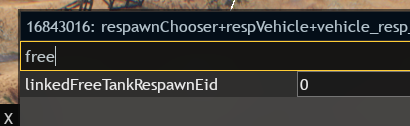

Mine has these random numbers that i can’t edit since it returns back to normal after restart.

I also can’t find anything in scene.blk
1 Like
Sad. I don’t even know what else to check. We can only wait for someone who understands this better.
1 Like
Thanks for your help anyways. Maybe one day the devs can fix this broken mechanic
1 Like