So today, I also got this error

I tried a few things that I suggested to fellow mod enjoyers, but here is what ultimately worked
So today, I also got this error
I tried a few things that I suggested to fellow mod enjoyers, but here is what ultimately worked
Follow the following steps to fix the error! (If you are on PC)
Exit your Enlisted Client. Make sure it closes completely and not running in the background (which it shouldn’t normally)
Navigate to the cache location %localappdata%/Enlisted/ (= C:/Users/<your Windows user name>/appdata/local/Enlisted/ if your Windows is installed to the C drive)
%localappdata%/Enlisted/ (= C:/Users/<username>/appdata/local/Enlisted/) for Windows, REGARDLESS of where you install Enlisted (external harddisk, C drive or not), REGARDLESS of you downloading the game via Steam or Gaijin Smart Launcher.Then, find a folder named downloads. Open it. ![image|1000x774, 30%]
mods folder and delete the httpCache folder inside
As you can see here, the httpCache folder is 320 Megabytes large. It might have been the upper limit of the cache.
By deleting the cache, you also free up the disk space.
I think the problem is the devs forgot to handle the cache and it allowed it to keep growing … until the game cant handle it
A bug report has been submitted to Community Bug Reporting System
Hopefully, they would take the trouble and read it
3 years of suggesting to increase the memory limit, and we’re still here in 2025 with the same issue.
not even a single " clear cache button " from the base game.
so much for taking feedbacks uh…
I know right? 6 Months later.
But I want to state (in the sense of software design suggestion) is, that you (the developer) should pratically be looking at deleting old cache, instead of increasing the limit (cuz you know you are gonna hit it some day)
This is just a lot more unnecessary work to add a button in the ui, doing it silently in the background is, in my opinion, better for 90% of the users, since they are less technical.
(And the more technical people will still appreciate an automatic cleaner, since why not)
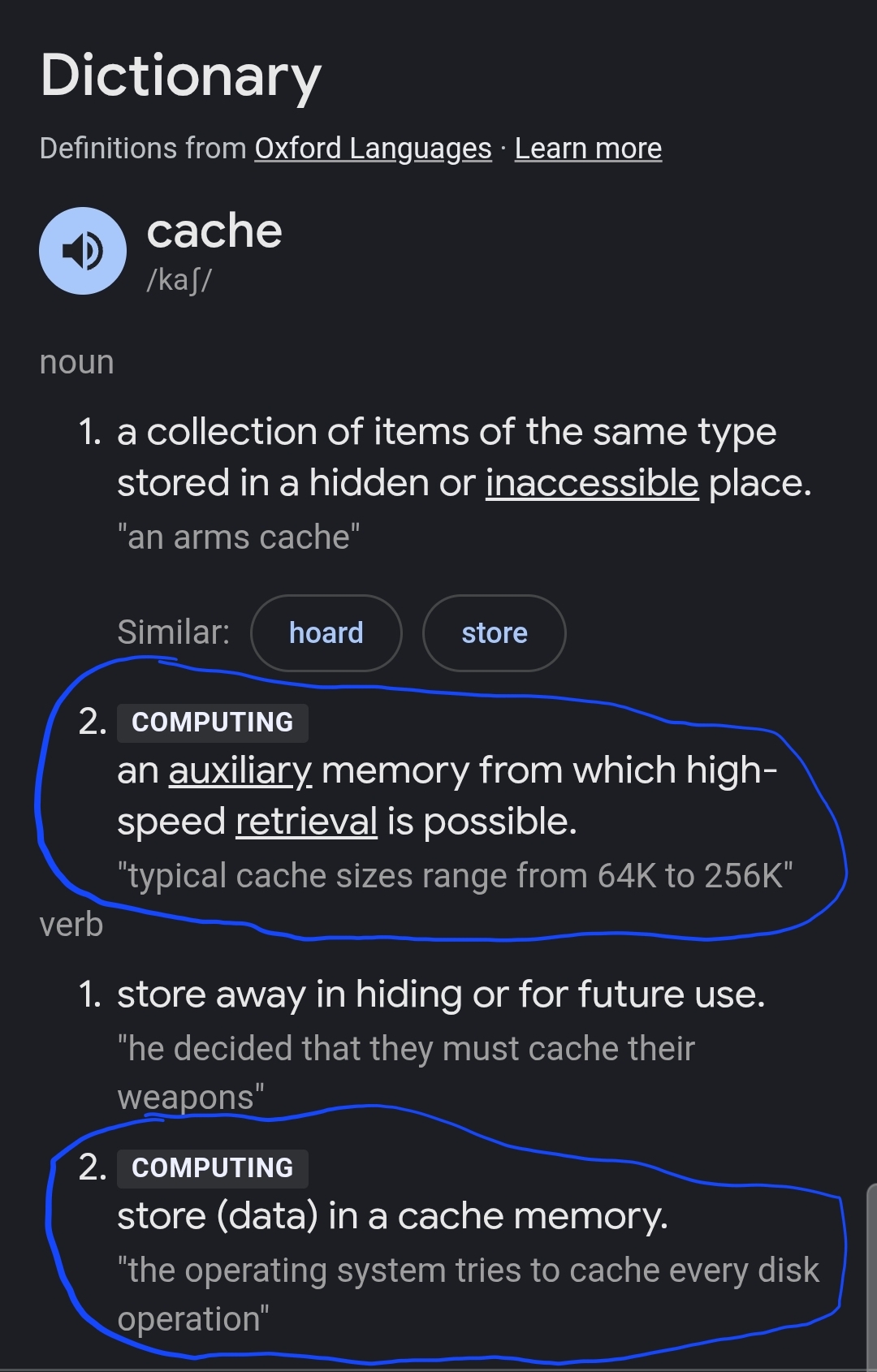
And why would you want to keep months/years old cache? Cache is called CACHE for a reason.
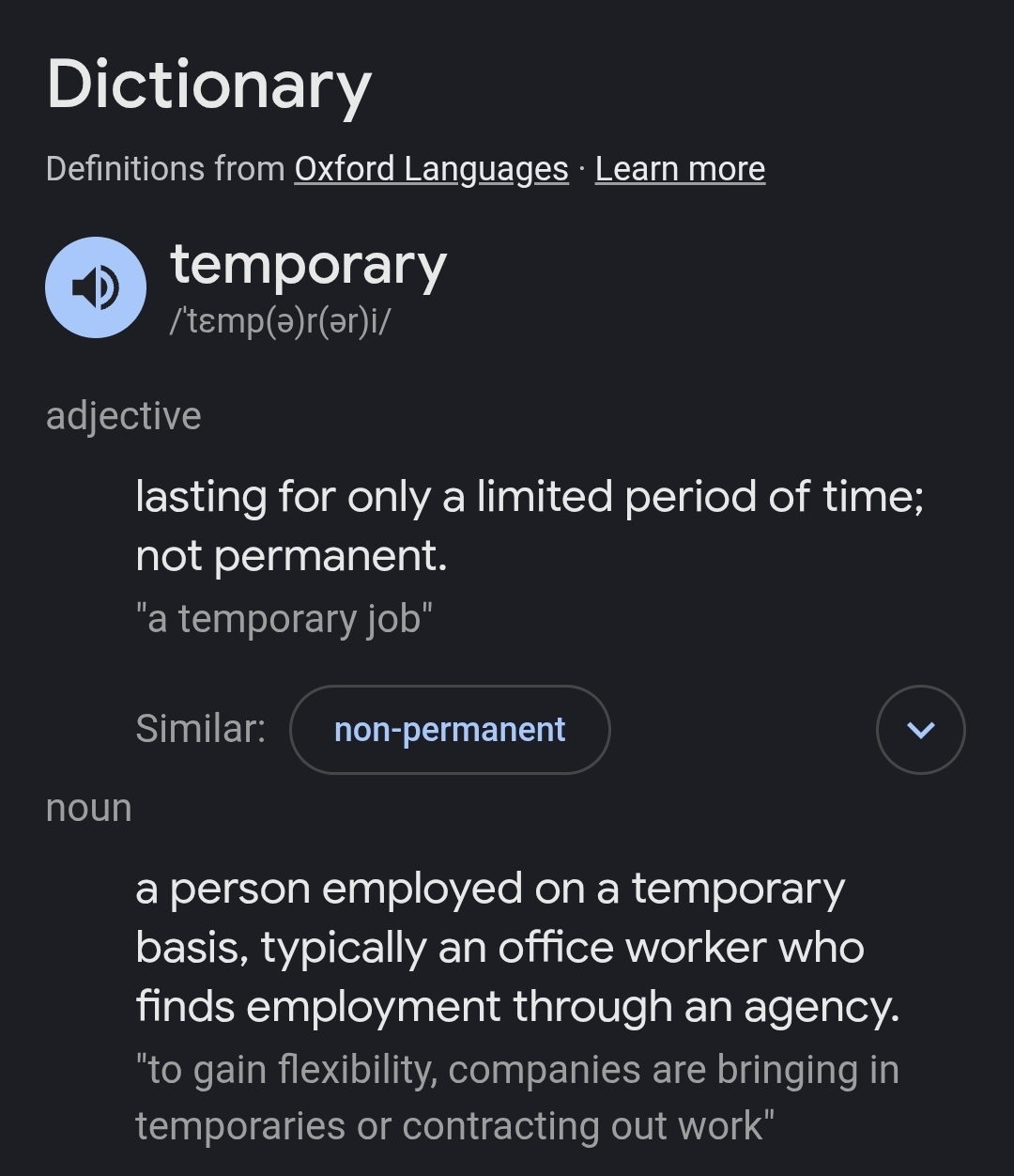
Well not really what I was thinking, but these files act more like temporary files
Which you can see the meaning above… I want to suggest that that they should have been deleted after use.
I must be fair and appreciate the caching, on the other hand
mods/memoryLimit error is also here to make sure users can’t overload their storage with cache (which, the limit of 320 MB data will fit on 233x  , cuz I can’t find another more funny measurement unit, so deal with it)
logs~enlisted folder, where all the .clog once remained undisturbed and grow in Gigabytes..game_logs, but are still regularly cleared by checking if they are more than 7 days old.download/mods/httpCache/ directory? The only change they need to code is to handle folders  instead of files
  (which can be a headache, at least for me in Python)
Yes, i hit the 320MB limit again last night at 4am
Does allowed me to discover a fun fact: the game checks the httpCache folder once for its size at launch and sets a switch to disable mod download.
I.e. You are required to restart the game to let it recheck the folder after you delete the cache
@Bigote0070 could you read my overly long text here and kindly forward the useful technical information to people responsible for the sandbox/mods part of the game? Many thanks for helpikg me edit post 2 btw.
I can make a formal suggestion at Suggestions if it is required