I just can’t see the current event – why is that?
I’m playing on Xbox and all the updates are installed
Restart the game
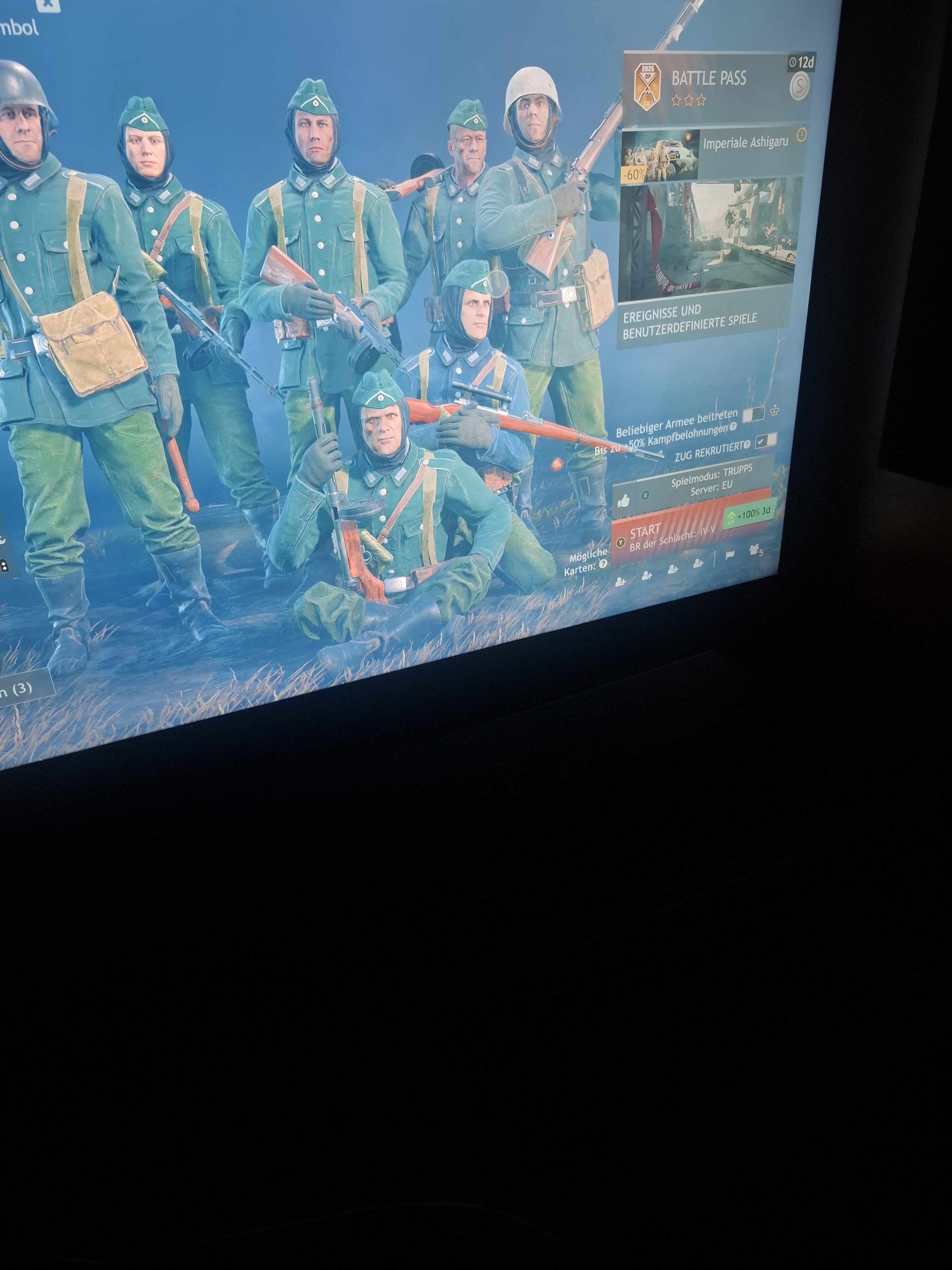
You need to hard reset the game. Not just close out of it and reopen it. Xbox puts games to “sleep” like a computer. You need to exit out of the game, then press the options button while the game is selected. Then choose the close game function. I can’t remember exactly the words used. Once this is done, then you can restart the game, and if done right, you’ll have to log in again.
You can also just try playing a match if that doesn’t work.
This is a known and ongoing issue, especially amongst console players.
If restarting the game doesn’t work, try and go to https://enlisted.net/ on your console’s browser. This will tell something about the connection.
Also, if you can, could you check if you can view the missions while in battle or practice mode? People have reported that they can’t view the missions in the hangar, but that the missions still track in battles and can be viewed there (when map is open), and you can quick-collect them when finished from the Battle Pass menu.
I’d send pictures, to show what I mean, but getting the Alpha Team tag has messed with my permissions or something and I can no longer upload images on here… best of luck, anyway!
Its know issue tons of people are having the same problem on console there are already some bug reports abouth It soo I suppose It will get fixed soon btw you can still complete the event
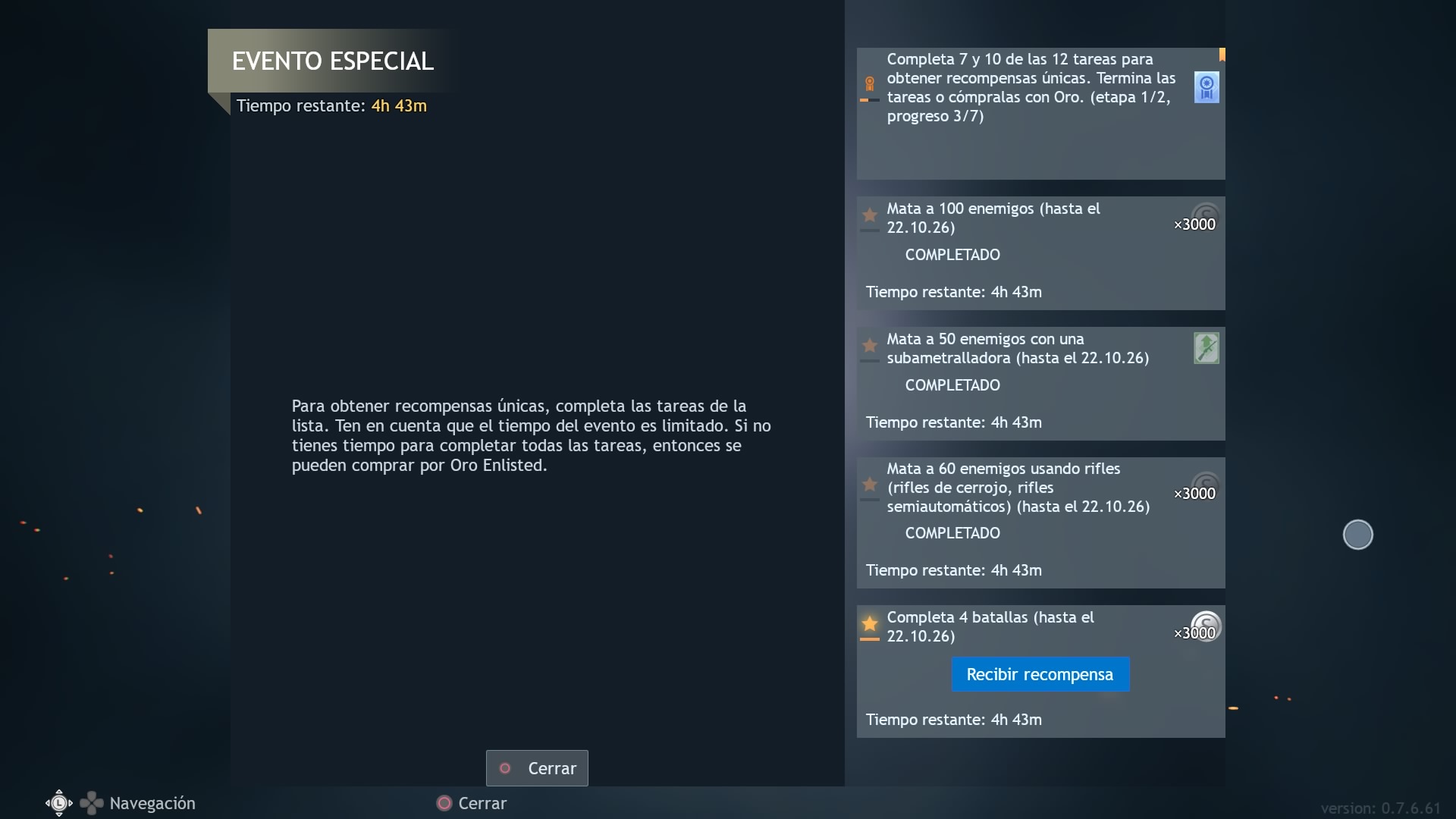
This is how It seems bugged you can complete the tasks they are there but you can only see the progress of the others wen completing 1 of them
Yes, it’s exactly as you’ve written: it’s not visible in the hangar or in combat, but it is in this mission list
1 Like
Yup, then you’re having the exact same issue as everyone else…
I don’t know how to fix it, but I’ll tell the crew “we have another one”.
1 Like
turn off the console, unplug for about five minutes, plug back in restart, then turn on the game worked for me
the second time ugg