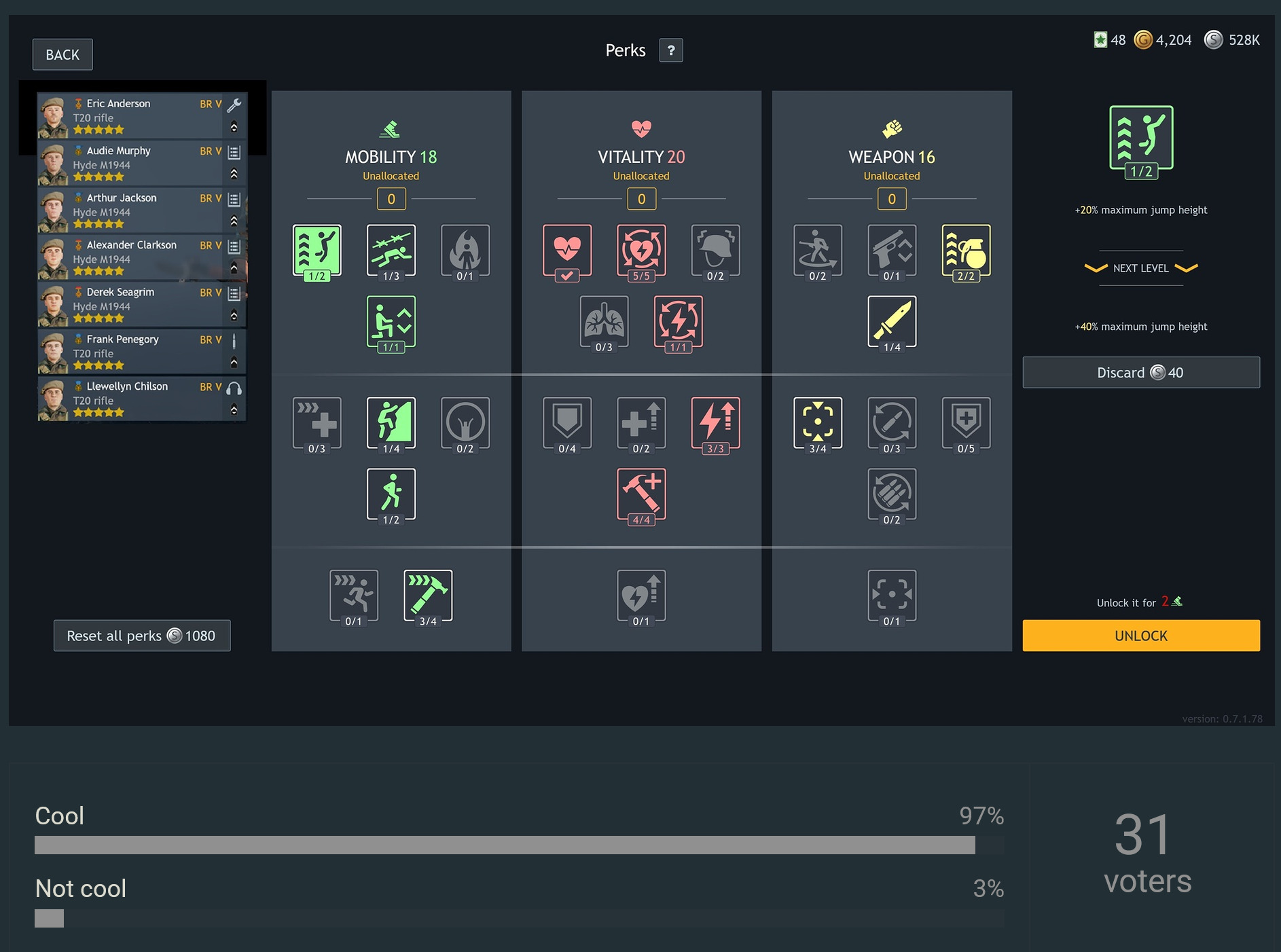
When assigning perks to several soldiers in the same squad, switching between them requires repeatedly leaving the Perks screen, selecting another soldier, and opening the Perks screen again.
This makes setting up a new squad or simply checking and comparing take more clicks than necessary.
Suggestion
Add the squad roster to the left side of the Perks screen, as shown in this mockup:
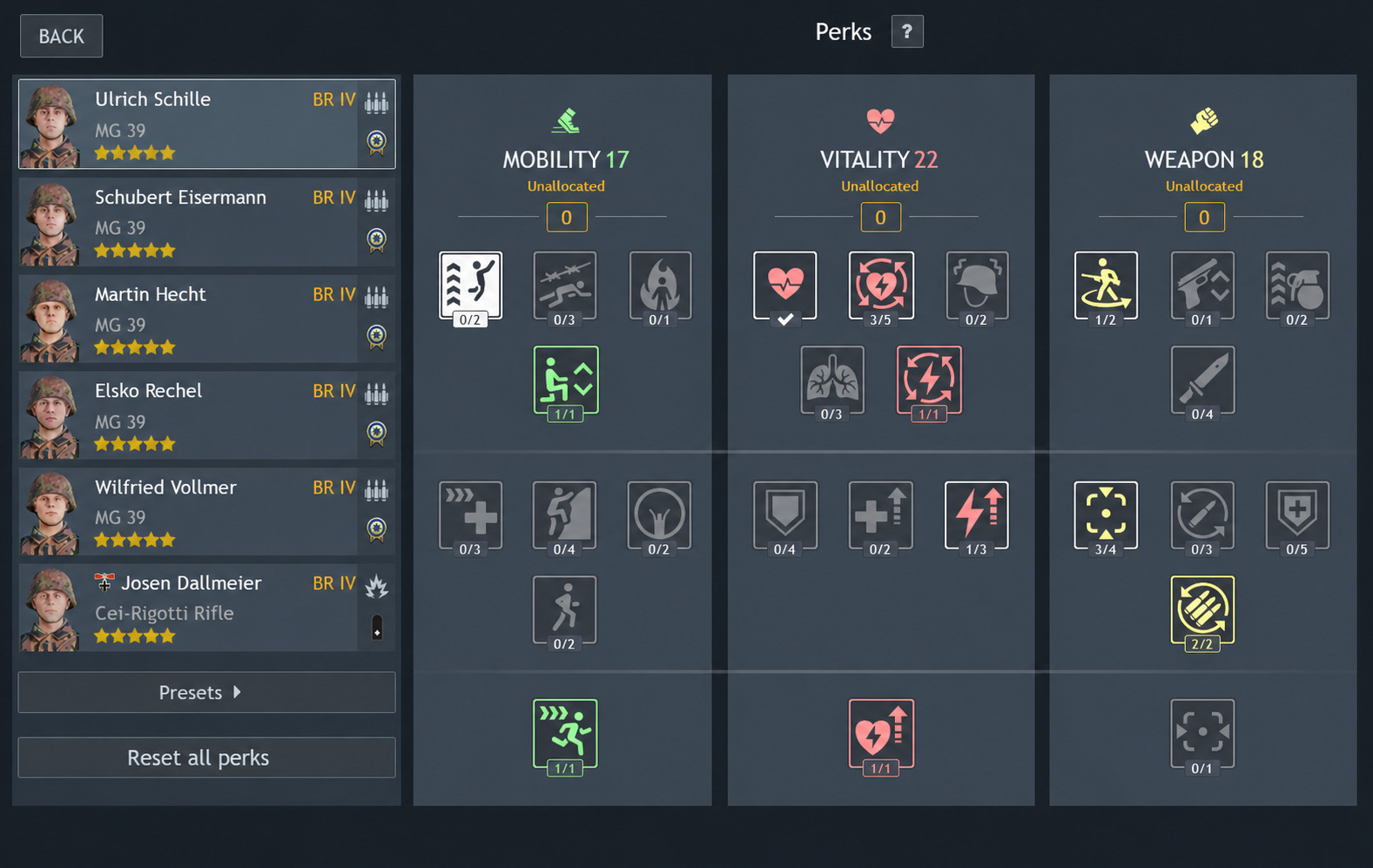
Clicking a soldier in the roster would switch that soldier’s perks without closing the screen.
The currently selected soldier should be highlighted, and the roster could become scrollable for larger squads.
This would be a small UI change, but it would make squad management considerably smoother.
Would this improve the Perks screen?
- Yes
- No
- I would prefer a different solution
0
voters