The apcs sometimes require restart for the new camo to appear. If you dont wanna restart the scene every time you can just copy the apc and delete the original. The copy should have the new camo equipped
1 Like
“major” update.
this thread will be discontinued as it’s rather outdated.
i will however, make a new one to update any future introduction of camouflages.
and create a document like done in the clothing, so i will be able to edit at any time, and it will stay up forever.
1 Like
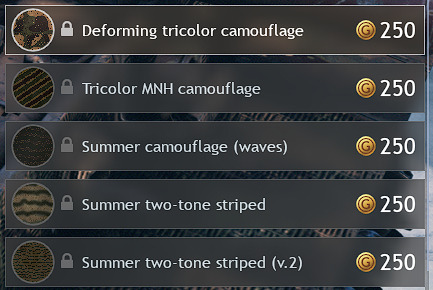
Does anyone know what these 3 new camos are called? The first one is probably the most colour accurate German camouflage in-game (
Deforming tricolor camouflage
Summer two-tone striped
Summer two-tone striped (v.2)
2 Likes
Didn’t mean to send that face thing ;-;
yes, i made a new dedicated doc for all camouflages:
but i do not know the pink, brown and yellow camouflage from the new update.
1 Like
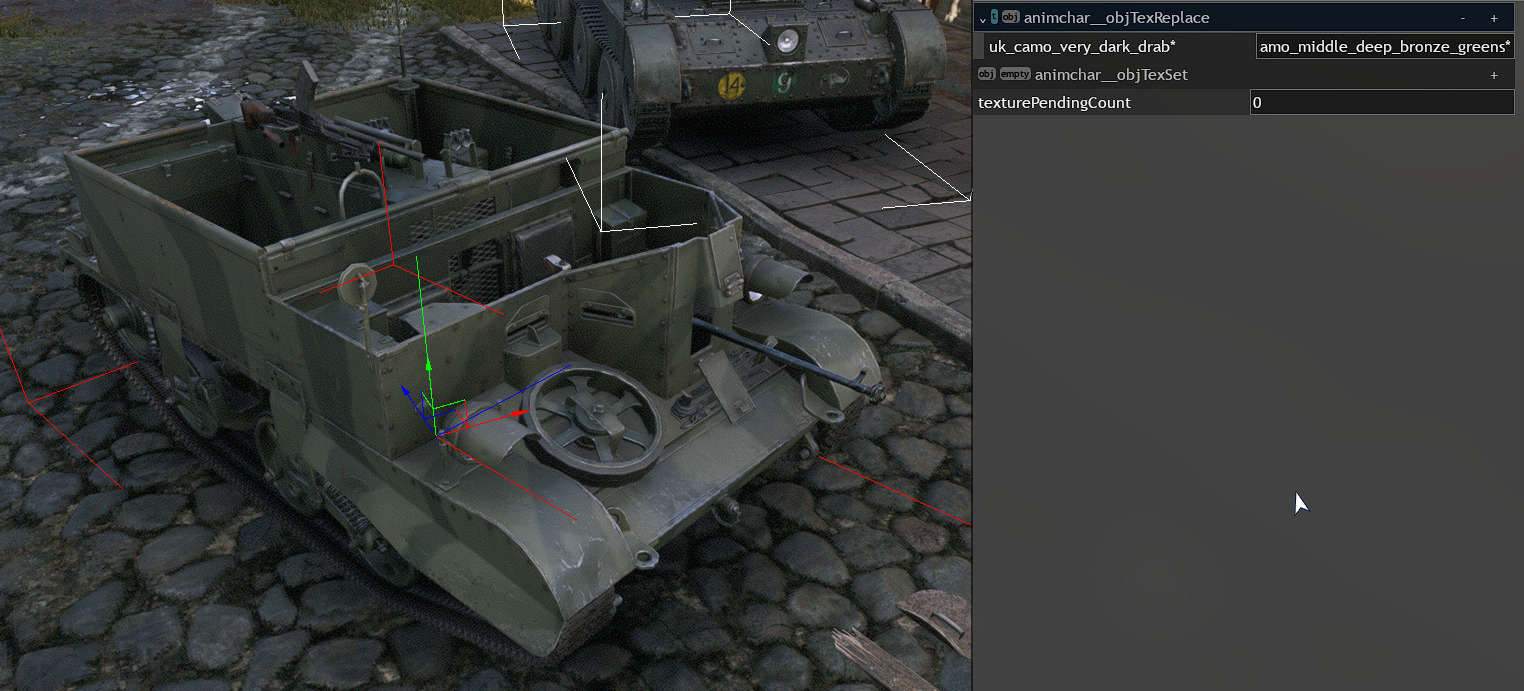
I think this camo is also missing from the list, along with the ones mentioned above;
uk_camo_middle_deep_bronze_greens*
mh… curious.
yeah i somehow missed that, yet used it for 90% of my mods.
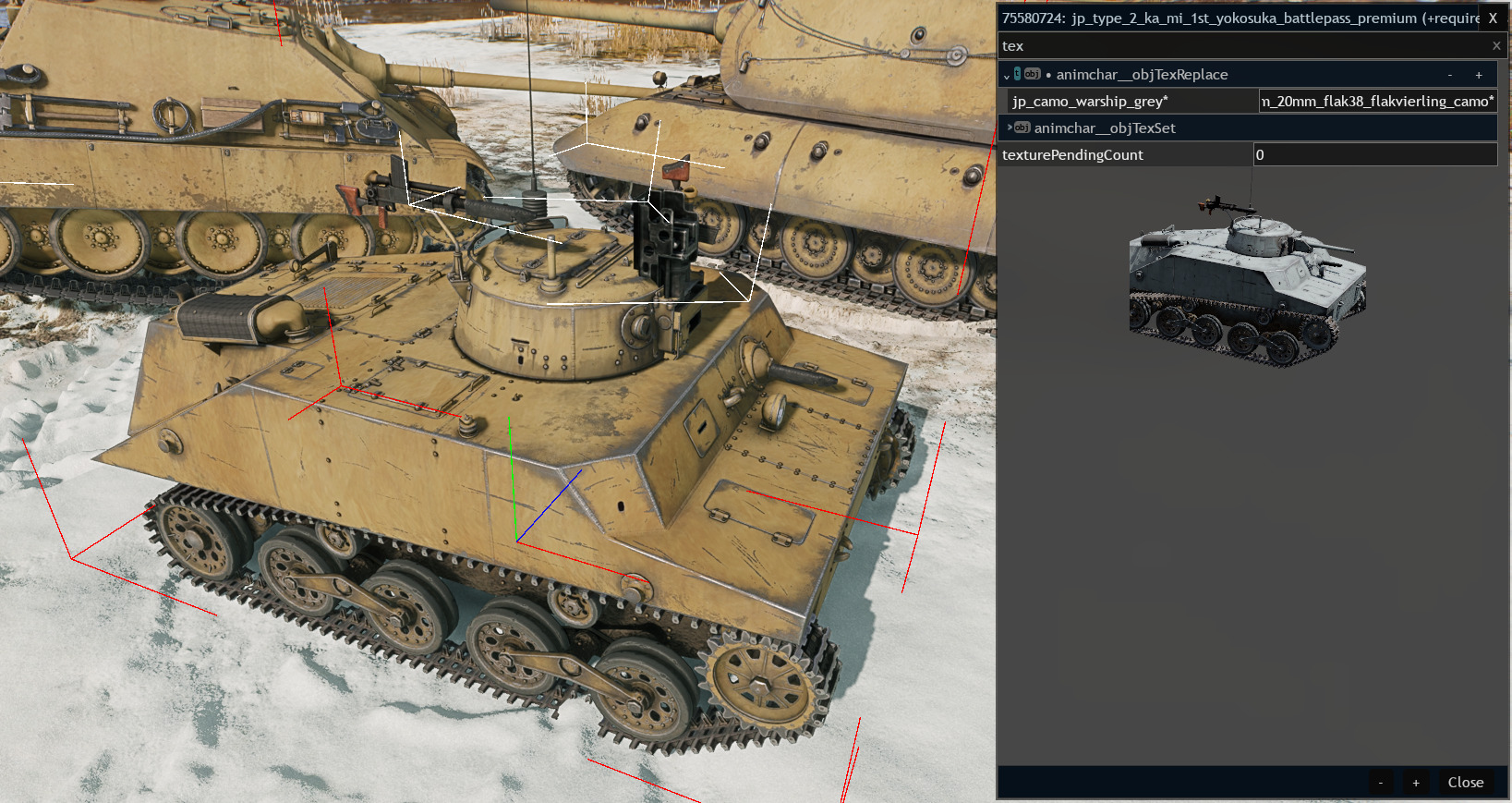
I found a ‘camo’ that’s not on here or the google doc it’s called: cannon_germ_20mm_flak38_flakvierling_camo*
here’s a picture of the camo:
1 Like
how to change the coloring for clothes?
1 Like
This is from my recent space mod.
X_ssk90{
_use:t=“ger_ssk90_m41_pilot_helmet_f_item”
“animchar__objTexReplace:object”{
“ger_ssk90_m41_pilot_helmet_d*”:t=“it_camo_winter_white*”
}
}
This block needs to be added to the entities.blk file. The file itself must be created in the folder with the mod. In this block, you can see the clothing item’s model, the texture you want to replace, and the new texture. You can find the texture names directly in the game folder. These are .dxp.bin files.
And in the very first line, you can enter a name for the new clothing item. This name will be used in your custom profile. For example, I placed X_ssk90 in the headwear slot in my profile.

In these files, the texture names are in this format:

The texture itself has a d at the end of its name. The thing with the n is, I think, a normal map. And I have no idea what that thing with the ao is.
I replaced my texture with a tank camouflage because I wanted a solid white color. But you can find the alternative textures you need in these files.
Also, I didn’t come up with how to do this, so you might want to look for the post I used to learn how to do it. I searched for it using the query “entities.blk.”
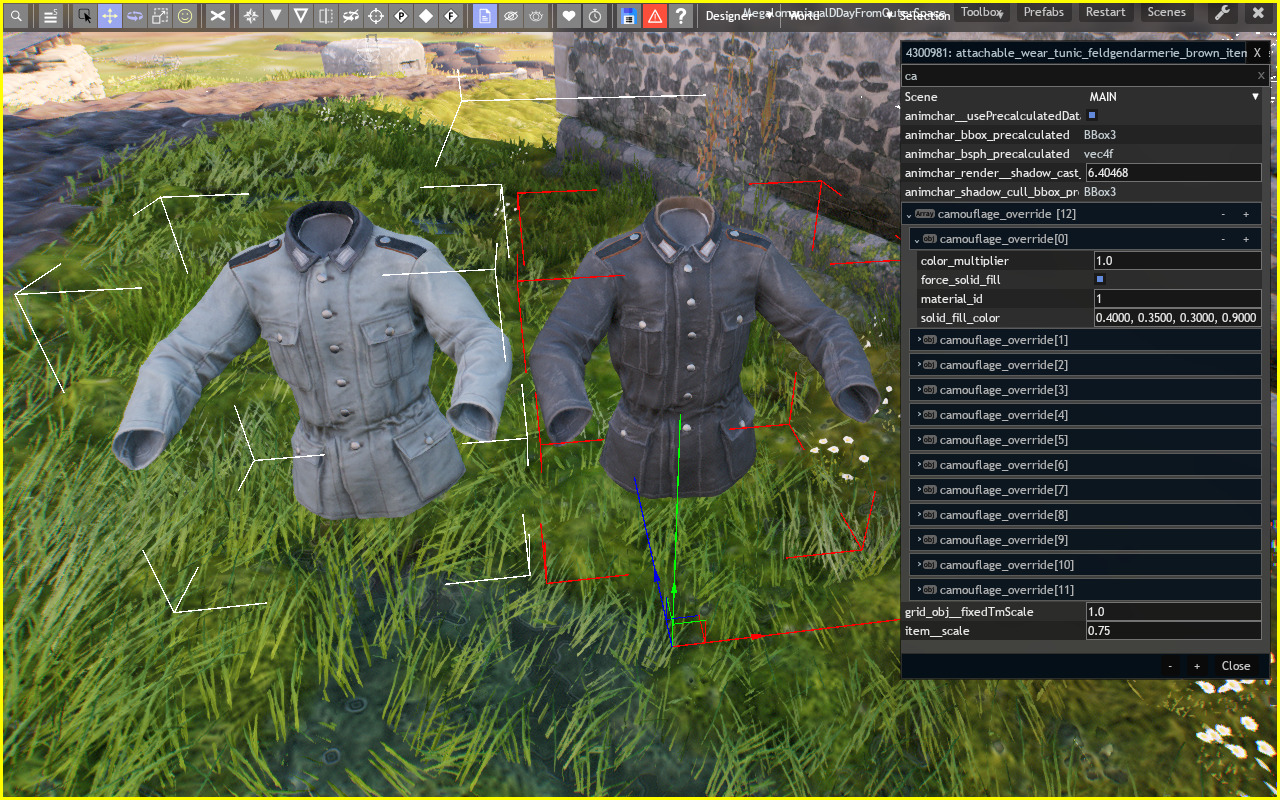
It’s true that I just now realized that I only have a theoretical idea of how to add this to entities.blk
X_ssk90{
_use:t=“ger_ssk90_m41_pilot_helmet_f_item”
“animchar__objTexReplace:object”{
“ger_ssk90_m41_pilot_helmet_d*”:t=“it_camo_winter_white*”
}
}
I paste this code into entities.blk and then the game crashes. What did I do wrong?
1 Like
I don’t know. I can only share my file as an example.
entities.blk.txt (1.4 KB)
P.S.
Spoiler
I apologize if you downloaded the file from the first version of the message. I uploaded the wrong file.
I found out what the problem with the flight is :). You had an incorrect bracket at the end. In the code, you have
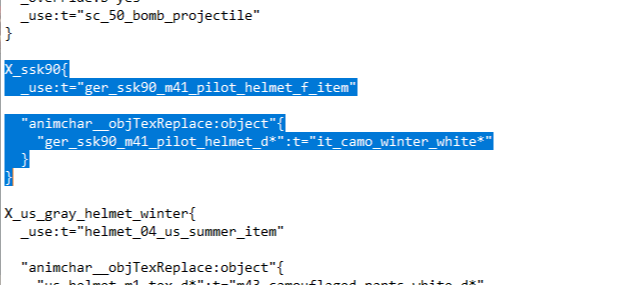
You gave me an example of
X_ssk90{
_use:t=“ger_ssk90_m41_pilot_helmet_f_item”
“animchar__objTexReplace:object”{
“ger_ssk90_m41_pilot_helmet_d*”:t=“it_camo_winter_white*”
}
}
Thanks for helping, I’ll know now!
1 Like
Unfortunately, I can’t figure out the difference between these two fragments. The only thing I noticed is that the forum doesn’t transmit tabs.
1 Like

1 Like
any updates on the camos, maybe a list of what broke (I heard from your post on CBT that something broke)
i don’t recall camos missing?
beside the ones that i didn’t added because am still looking for them.
1 Like