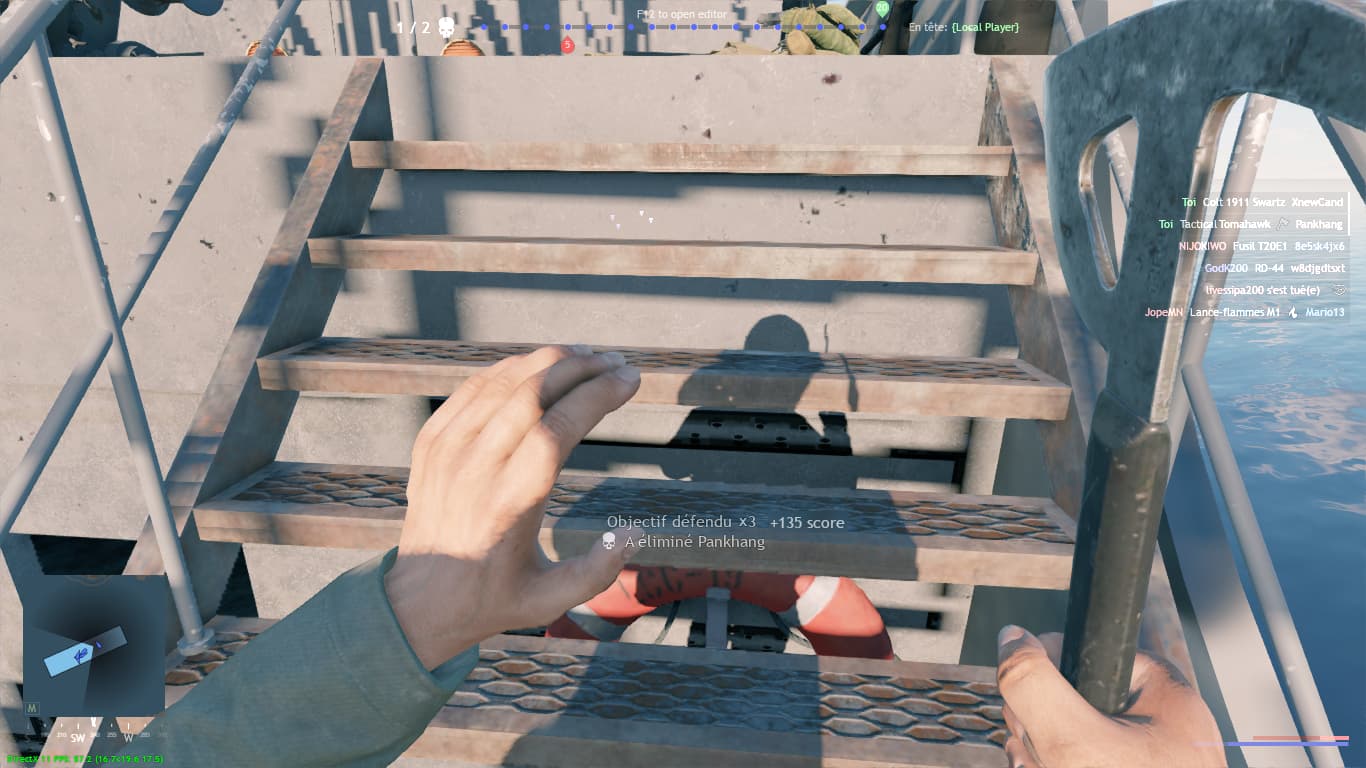
damn, what if I already have a ready-made map, and the developers change the original version of the Rzhev operation by fixing the navigation mesh, everything will be fine with it, what do you think?
I think they will fix when they decide to use new parts of the map and perhaps there will be some changes to the landscape or changes to buildings, it will be necessary to make corrections to the mod. Something similar recently happened to me in the Ardennes, for the mod I used a city divided by a river, but after the last update the landscape around the city was broken, and I had to switch to a different map altogether. You should always be prepared that the map on which the mod is based will be changed.
1 Like
They actually changed some parts of the rzhev map before the final release. On the dev server you could see some buildings that are not present currently like the monastery central building located at the outskirts. Some other buildings were also changed. I will provide pictures when i will find computer
2 Likes
I have a problem with the gun game it not changing the gun when I meet the require amount of kill with the weapon


Amazing. Another error i could never produce.
What is gun_game_mode_score? Never seen that before.
Either:
-
Wrong gun name
-
Or gun with wrong ammo?
Can’t help much, as i’ve never encountered this error.
It was an error in the gun number
Two questions: 1) How to create a wind effect like on the Rzhev map? Well, that is, for the crowns of the trees to move and the snow to be blown away from the ground (This also happens in the Ardennes). 2) Is there any detailed guide on the weather, its changes, etc.?
I think it is some kind of effect that you need to place. Search from the effect list
1 Like
You will need open scene.blk and replace array to list<t> next to weapons property. It’s inside gun_game_mode_logic entity body and gun_game__levels property. Should be something like it:
  "gun_game__levels:array"{
    "gun_game__levels:object"{
      weaponSlot:t="primary"
      levelKills:i=3

      "weapons:list<t>"{
        item:t="steyr_aug_a1_gun"
      }
    }

    "gun_game__levels:object"{
      weaponSlot:t="primary"
      levelKills:i=3

      "weapons:list<t>"{
        item:t="as_44_gun"
        item:t="as_44_late_gun"
        item:t="ak_103_gun"
        item:t="akm_47_gun"
        item:t="stg_44_gun"
        item:t="stg_45_m_gun"
        item:t="stg_44_rail_gun"
        item:t="mkb_42_h_gun"
        item:t="mkb_42_w_gun"
        item:t="mp43_1_gun"
      }
    }
If you don’t plan to use selectedSessionWeapon then better to remove them in code. Because they will override weapons and give only one weapon from list in any games (weapons allows you set random weapon in level per game).
For that need to edit wind entity properties.
Sadly, but no. I don’t remember any detail guides about weather properties.
1 Like
ok, what properties in the “level” essence need to be changed in order to stage the Battle of Moscow exclusively in the evening? That is, like on the map of Rzhev, Normandy, Berlin, where there is a bright yellow sunset
You need edit level__timeVec property (it should contain only real properties). You can use skies.setTime console command to find best time for your map.

which of these options do i select?
Object doesnt seem to be an option
Also is it actually possible to put a scope on the rd 44?
If you trying to add modifications then object and gunMods in new property name. And then use text and weapon modification slot scope/bayonet/grenade_launcher.
No. It’s not possible.
Is it possible to somehow change the color of broken equipment like here without using coding? That is, directly in the editor itself

There are different versions of those broken cars in the rendinst list each having different paint
but there are only black-brown (burnt) and green ones? But there are no blue, pink and white ones


1 Like
can anybody help me with making custom squads in my mission? like how some of the ones I’ve downloaded have squads that aren’t mine to choose from?